You might experience configuration errors when working with Segment Insights. This article offers suggested remedies for the most common scenarios you may encounter.
This topic contains:
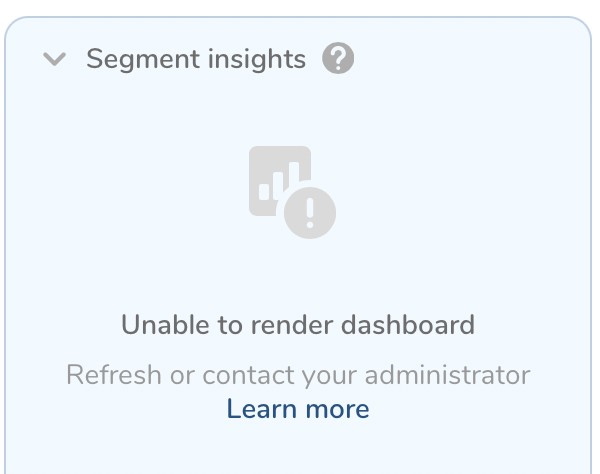
Reasons why query executions fail may be due to the following issues:
- Attributes used in query are invalid or the table does not exist

- Attributes used in query are invalid or the table does not exist
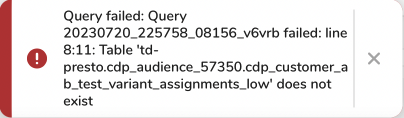
- Segment Insights query was killed or aborted
- User does not have sufficient permissions
- Network related issues
Solutions for a dashboard failing to render might include:
- Identify the invalid attributes from the error message and update the query to resolve this issue by verifying that the attributes defined exist and are valid.
- Click Refresh again if Segment Insights query was killed or aborted unintentionally.
- Users with “View" permission cannot access the Segment Insights tab. Users must be assigned “Full” permission to the specified folder to view insights for the segment.
- Dashboards can’t be rendered in case of network related issues. Check network connection.
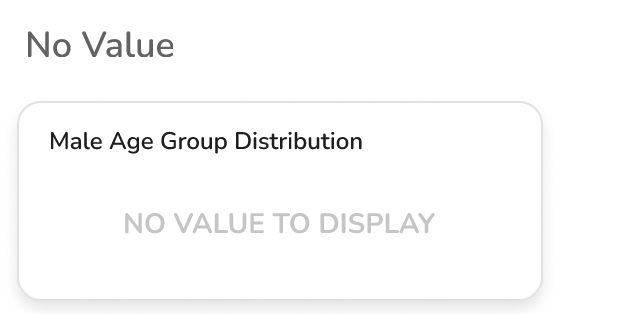
This is seen in the case of individual widgets, specifically for chart types including: “Pie”, “Column”, and “Histogram” with the calculation type of “Distribution”.
Individual widget show “NO VALUE TO DISPLAY**” :**
- If Segment Insights query returns no records
- Attributes defined in the segment insights dashboard definition contains only “null” values.
- The segment does not contain any records to match the segment rule and there is no data available to fetch.
- Ensure attributes used in the dashboard configuration contain non-null values.
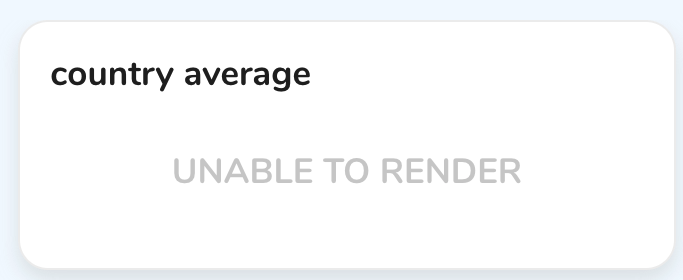
This is seen in the case of individual widgets, specifically, the chart type: "Indicator" with the calculation type selection of "Average" or "Sum".
Individual widget shows "UNABLE TO RENDER":
- If Segment Insights query returns no records
- Attribute defined in the segment insights dashboard definition contains only “null” values in the segment. including histogram, pie chart, and column
- The segment does not contain any records to match the segment rule and there is no data available to fetch.
- Ensure attributes used in the dashboard configuration contain non-null values to resolve this issue
Learn more about Chart Types for Widgets.
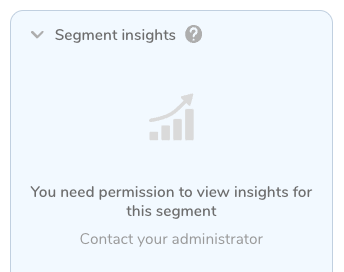
User does not have sufficient permissions for the specified folder
Solutions related to appropriate permissions might include:
Users with “View" permission cannot access the Segment Insights tab.
Users must be assigned “Full” permission to the specified folder to view insights for the segment.