You may want to make changes within your existing Segment Insights Dashboard.
Open TD Console.
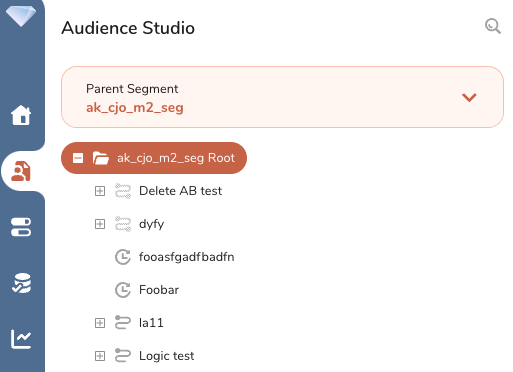
Navigate to Audience Studio.
Select the Parent Segment you want and open the root directory.
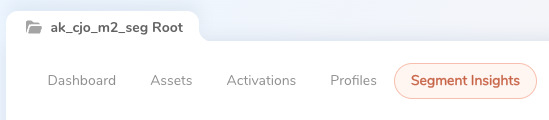
Select the Segment Insights tab.
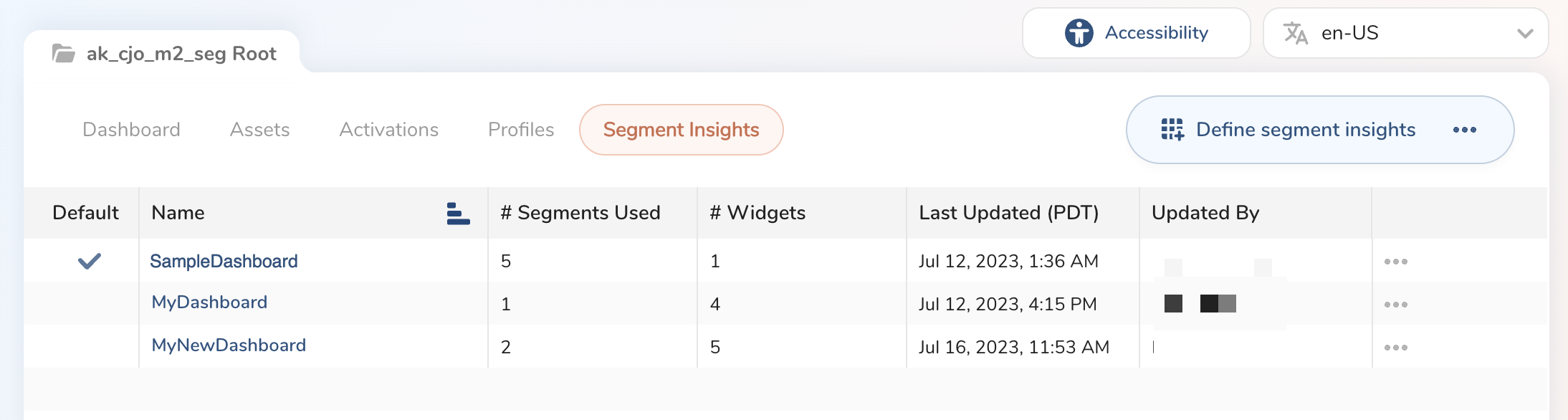
Locate the dashboard you want to edit.
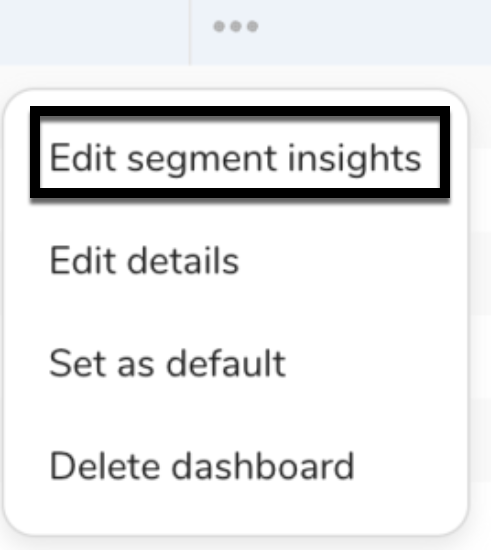
Select the dashboard name or the three dots to the right of the dashboard and select Edit segment insights.
A modal opens to edit the widgets in your selected dashboard.
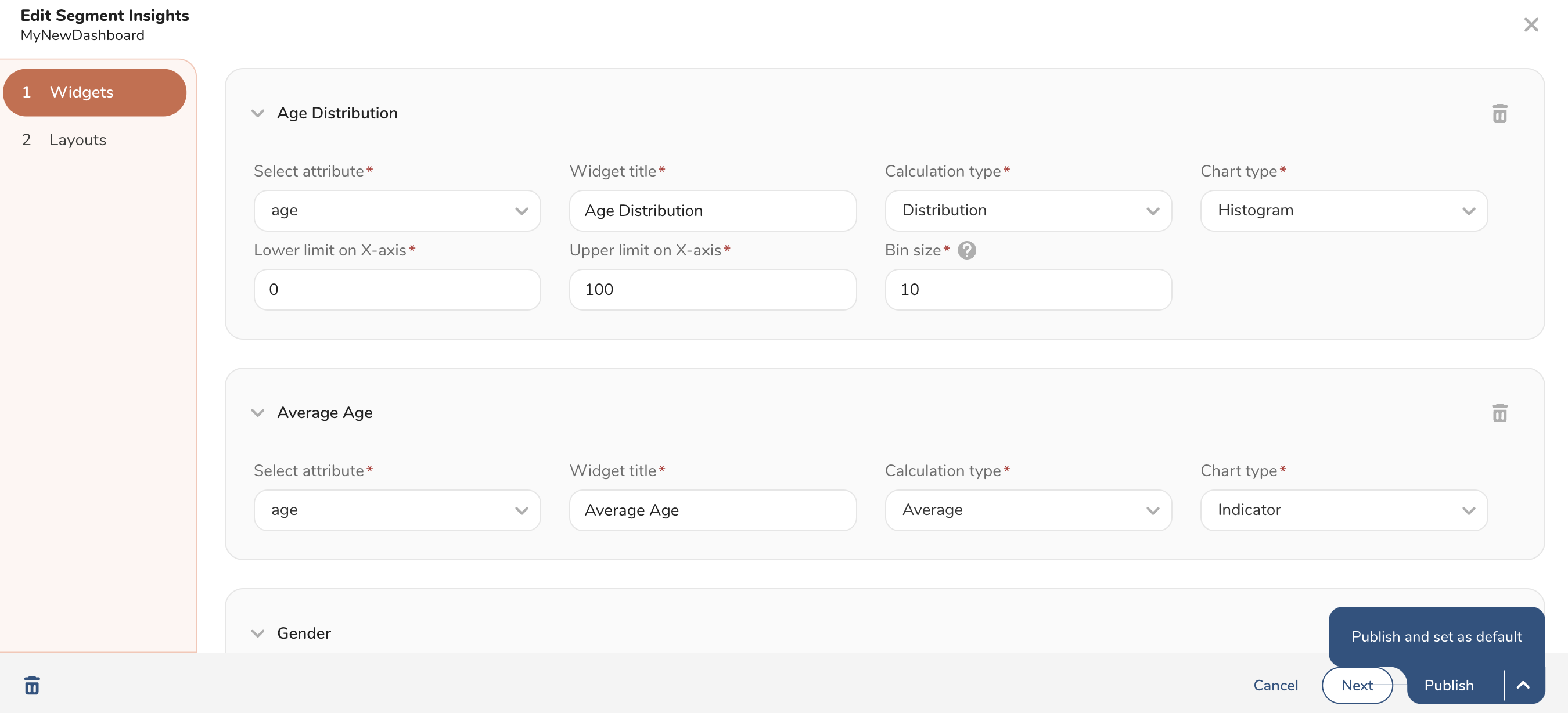
Select Publish or Publish and set as default.