Dashboards for Segment Insights may need to be deleted periodically as your segment or analytics needs change.
If other dashboards are available, default dashboards cannot be deleted. To delete a default dashboard, first reassign a new default. However, if there is only one dashboard available, it may be deleted.Learn about setting a dashboard as default upon publishing in Editing a Segment Insights Dashboard.
Open TD Console.
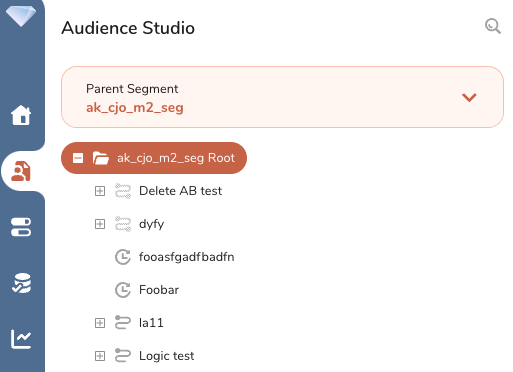
Navigate to Audience Studio and select the Parent Segment you want.
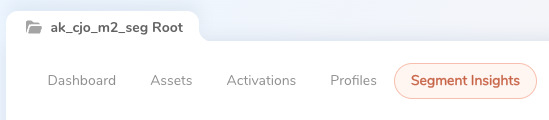
Select theSegment Insights tab.
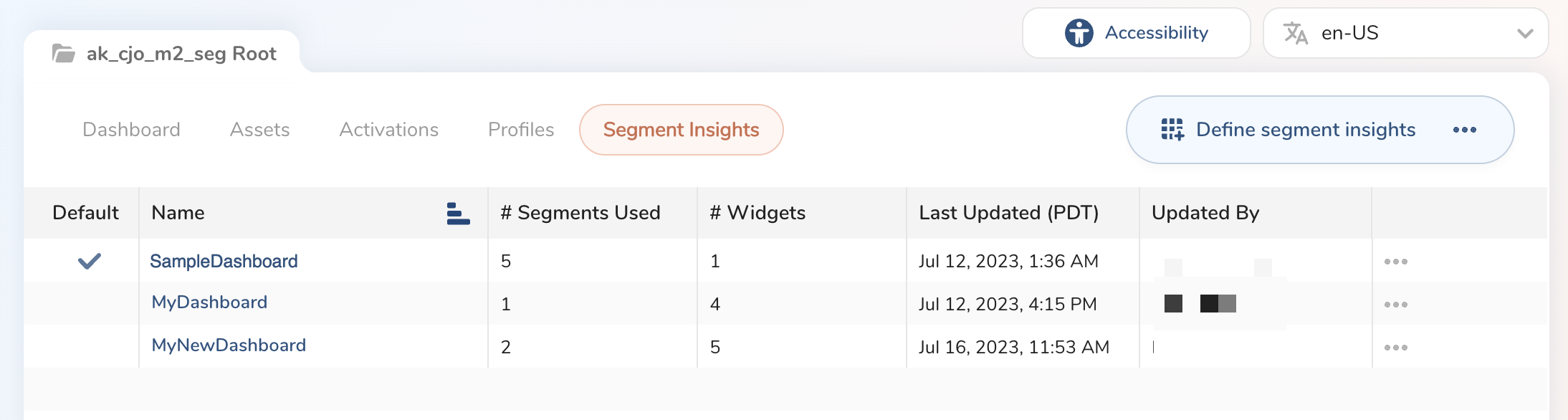
Locate the dashboard you want to delete.
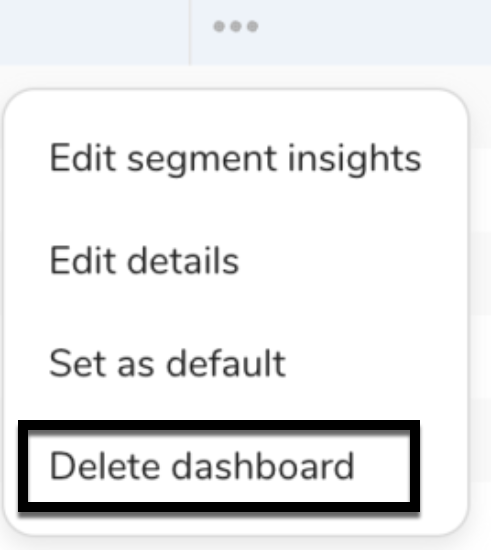
Choose the three dots to the right of the dashboard and select Delete dashboard.
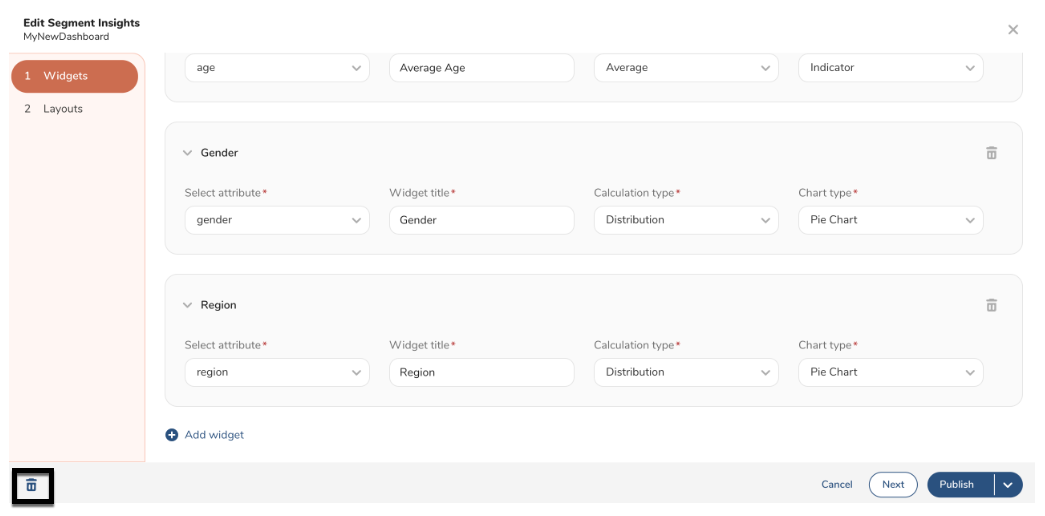
Optionally, open the dashboard and select the trash bin in the bottom left-hand corner on the Edit Segment Insights page.
- A modal opens to confirm your selection. If there are any batch segments using this dashboard, you need to enter the correct number of segments to proceed.
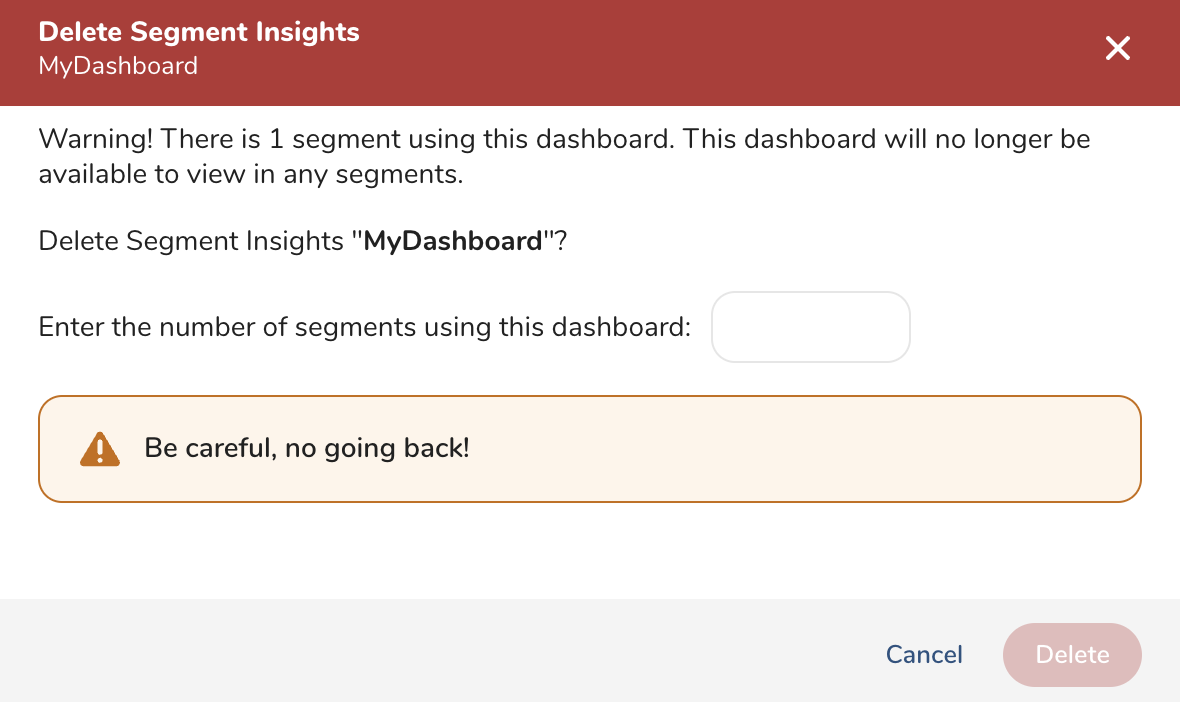
- Select Delete.