After you've defined your dashboard and added at least one widget to it, you can modify the layout of your dashboard by reorganizing the way the widgets are displayed.
Learn about defining your segment insights and Creating a New Segment Insights Dashboard.
By default, widgets follow the layout from the previous page.
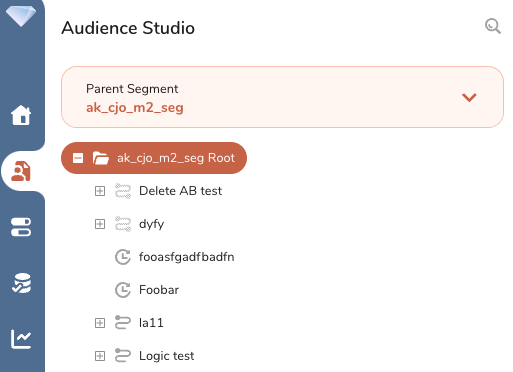
Open TD Console.
Navigate to Audience Studio.
Select the Parent Segment you want and open the root directory.
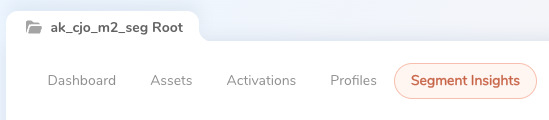
Select the Segment Insights tab.
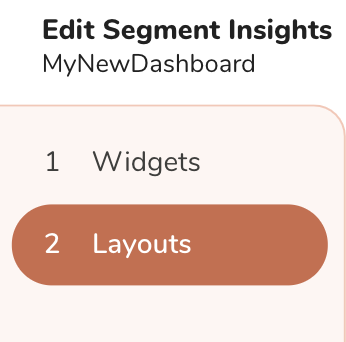
Select Layouts.
Drag to reorder the widgets displayed on the dashboard.
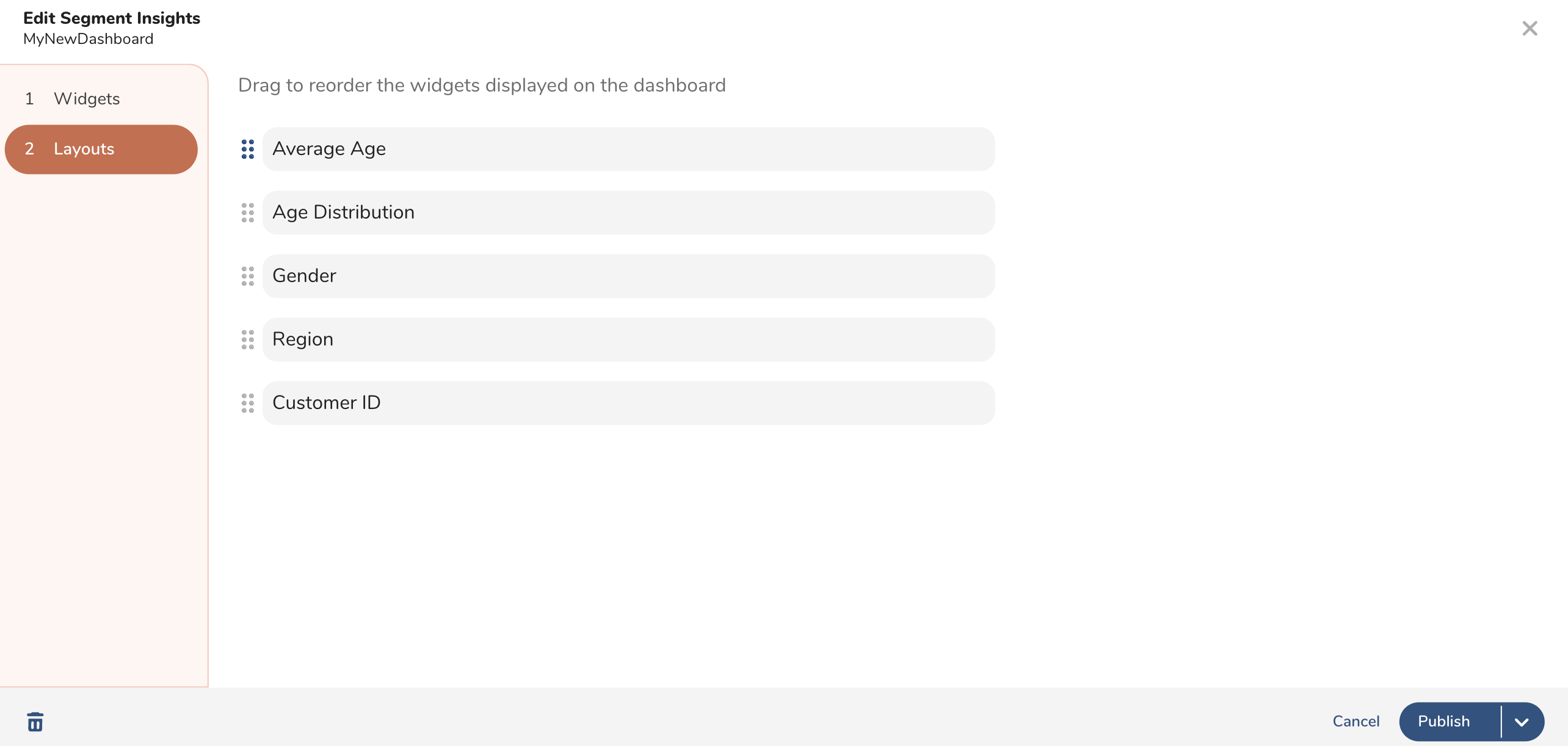
Select Publish or Publish and set as default.