You can easily edit and delete your batch and real-time segments as needed.
- Open TD Console.
- Navigate to Audience Studio and select the batch or real-time segment for which you want to edit rules.
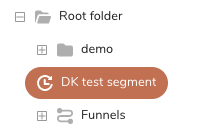
- Select Edit segment rules.
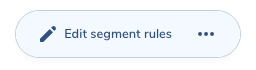
- You can add, edit, or delete any rule or rule set the same way when you created the batch segment or created the real-time segment.
- Open TD Console.
- Navigate to Audience Studio and select the batch or real-time segment you want to delete.
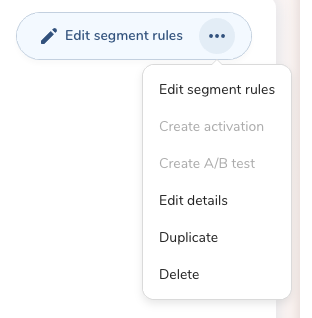
- Right-click on the segment or select the Edit segment rules menu and select Delete from the dropdown menu.
- Confirm you want to delete the segment by selecting Delete in the Delete Batch Segment or Delete Real-time Segment dialog.
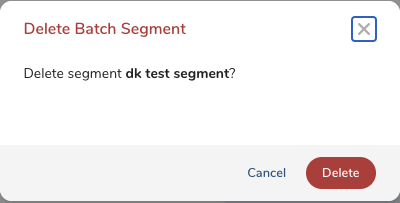
- The segment is now deleted. You cannot delete a segment that is referenced in any other segment or funnel stage.