This procedure assumes that Parent Segment and a batch Segment exist.
Open TD Console.
Navigate to Audience Studio and select the target Segment
Click
Edit segment rulesbutton inRulestab
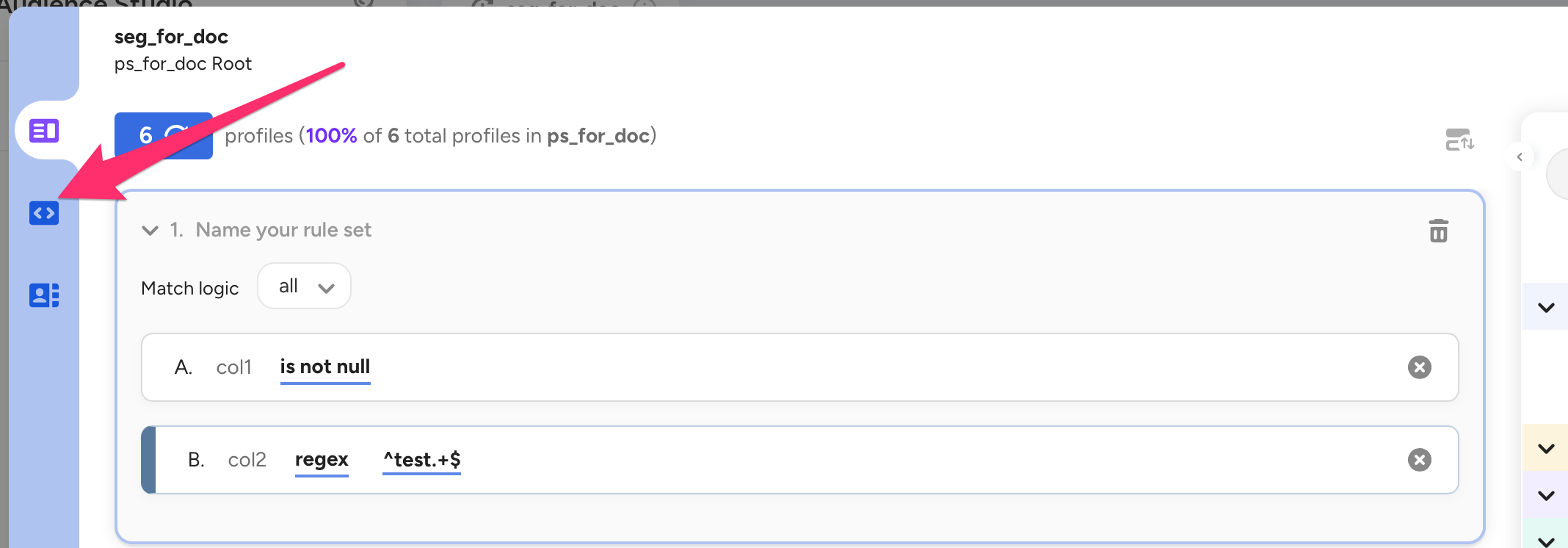
Click the icon like
< >
Click
Copy SQL Codebutton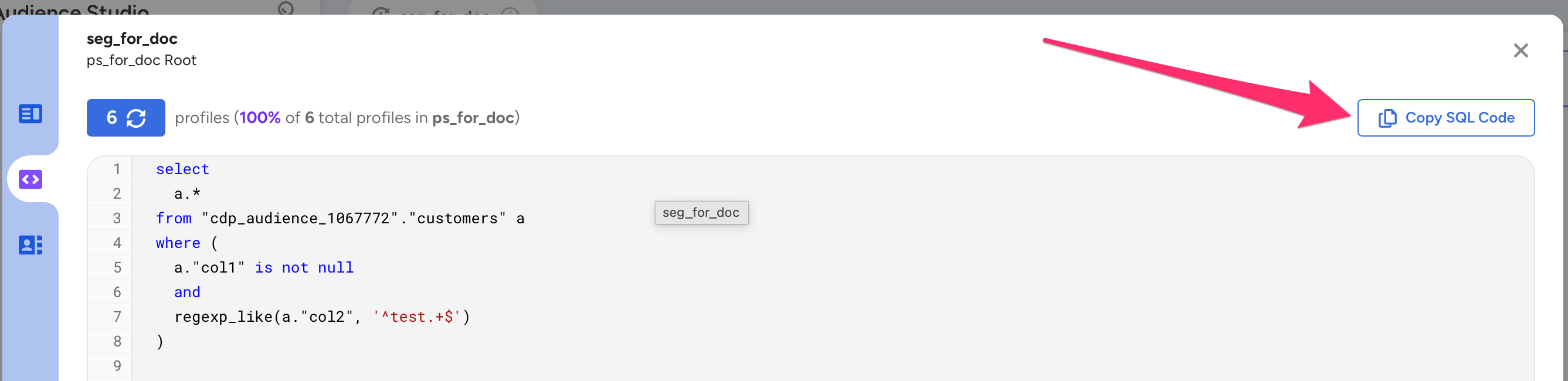
Open Query Editor and past the query statement It is recommended that you set the databse described in the query statement for the query.
If you run the query statement with Trino, you will retrieve the content of the Segment