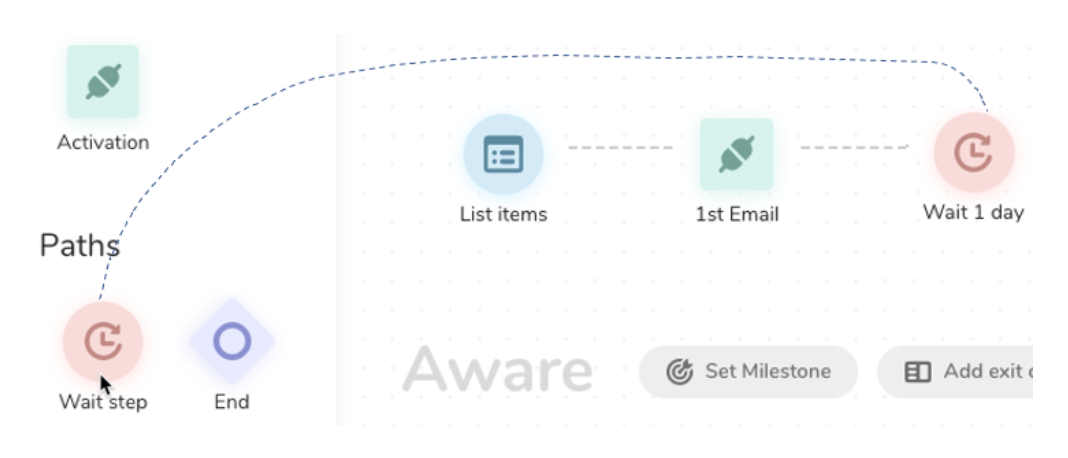
A wait step helps you customize a user's experience by defining the cadence in which you interact to ensure optimum engagement.
- Open TD Console.
- Navigate to Audience Studio.
- Navigate to a journey and open it.
- Select a stage.
- In the left panel, select the Wait Step icon and drag it to the Journey Canvas.
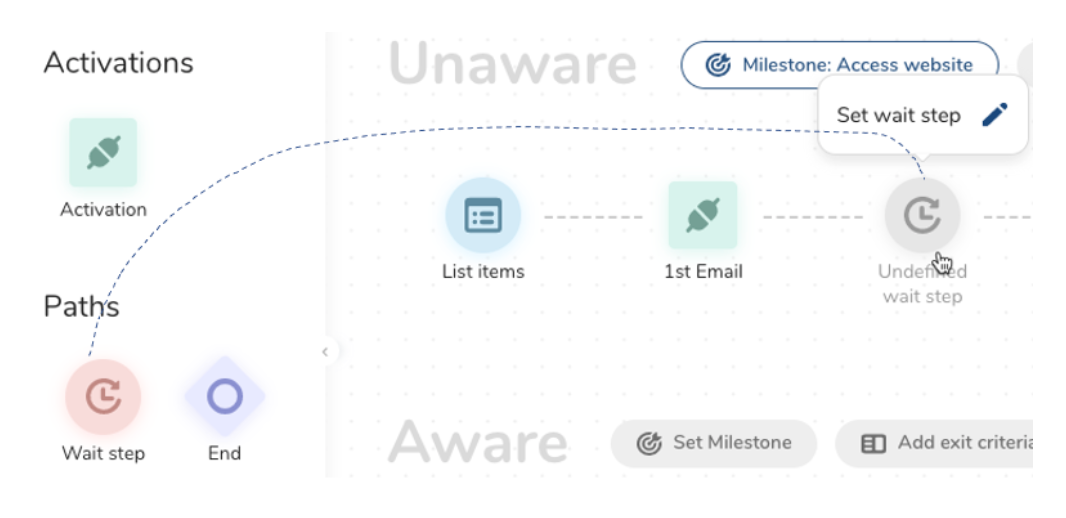
- Define the wait time (in days or weeks) and then select Save as draft or Launch.