Drag-on Rules must be enabled for a Parent Segment so you can include them in your journey.
- Navigate to Audience Studio.
- Select a Parent Segment from the dropdown.
- Open a journey.
- Select a drag-on rule and add it to your journey's goal.
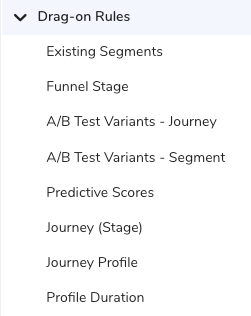
You can also add draft journeys as drag-on rules.
- Select Save goal.
- Profile count : If you reference profiles within a batch journey (or batch journey stage) with versions, all live versions' profiles are combined. For example, if Journey A has three versions with 100 profiles in each version, 300 profiles will be referenced in the drag-on rule.
- A/B testing : You can select a specific version to reference in drag-on rules.
- Goal and Exit Criteria : You can select the latest version to reference in drag-on rules.
See also Journey FAQs.