Treasure Data allows you to use the timestamp operator to create custom types for attribute and behavior filters. Here are some examples of where you might want to use custom behavior and attributes for segment rules.
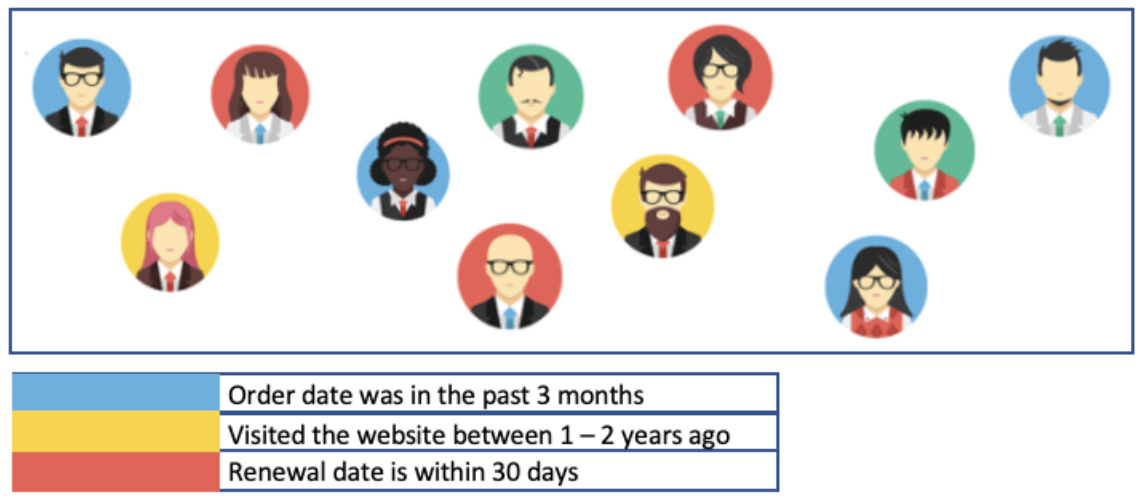
Identify the attributes and behaviors that will help you target your customers. Consider time frames such as the following:
- Within 3 months: Who received an email in the last 3 months?
- Between 3 and 5 years (prior): Who interacted with our website between 3 and 5 years ago?
- Within 30 days: Renewal date is within 30 days.
- Multiple date-type columns: A negotiation date that is greater than 60 days and the next contact date is less than 20 days.
Contact your Customer Success representative to set up customized behavior and attribute columns so your marketing organization can target the customers you want.
After your customer success representative has set up your customized columns you can:
- Create attribute and behavior filters based on time when creating segment rules.
- User time filters in conjunction with other attributes or behaviors.
To allow custom time in a behavior, you cannot select All Columns in a master segment behavior table.
- Open the TD Console.
- Navigate to Audience Studio.
- Select a parent segment.
- Select a segment to open it.
- Select Edit Segment Rules.
- Add a behavior.
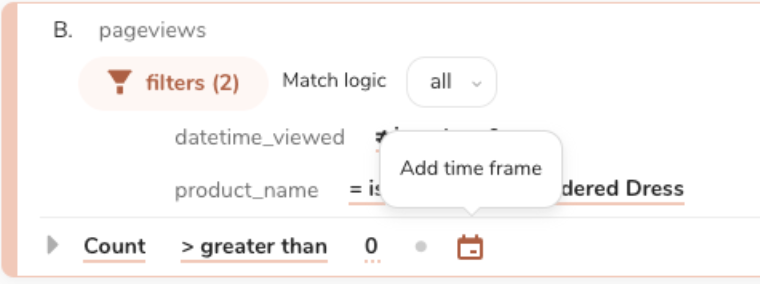

Customize the time frame.
Select Save.