You can import batch attributes and use them in your batch backfill.
- Open TD Console.
- Navigate to the Data Workbench >Parent Segments.
- Select a parent segment to import batch attributes.
- Select Real-time Configuration.
- Select the Attributes tab, and then select Add Attributes.
- Select Import Batch.
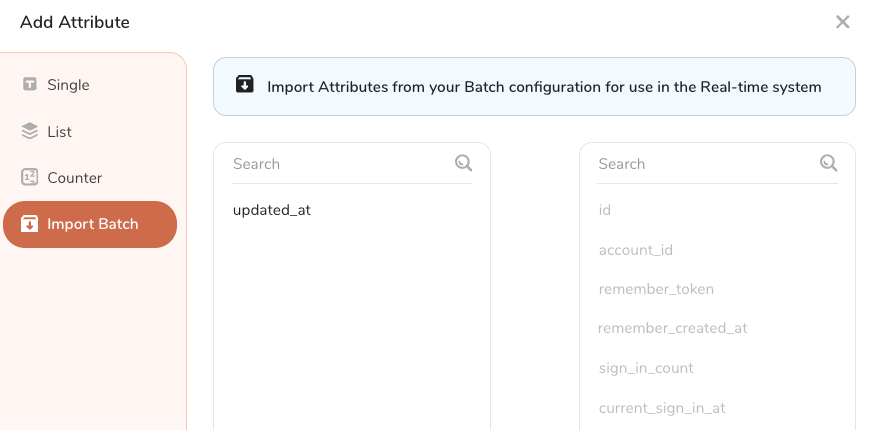
Use the left and right arrows (< and >) to move batch attributes. The right panel contains the attributes you want to import as well as batch attributes that have already been imported (greyed out).
Select Import.
You cannot delete attributes after they have been imported.