After creating real-time journeys, you can manage them in the following ways:
- Viewing or Monitoring Real-Time Journeys
- Editing Real-time Journey Details
- Duplicating Real-time Journeys
- Deleting Real-time Journeys
If you have policy-based permissions set, you will need folder view access to view journeys.
To view elements of your real-time journeys:
- Open TD Console.
- Select the diamond to navigate to Audience Studio.
- Select the journey you want to view.
Real-time journeys can be identified by the icon preceding the name.
 - Select Open Journey.
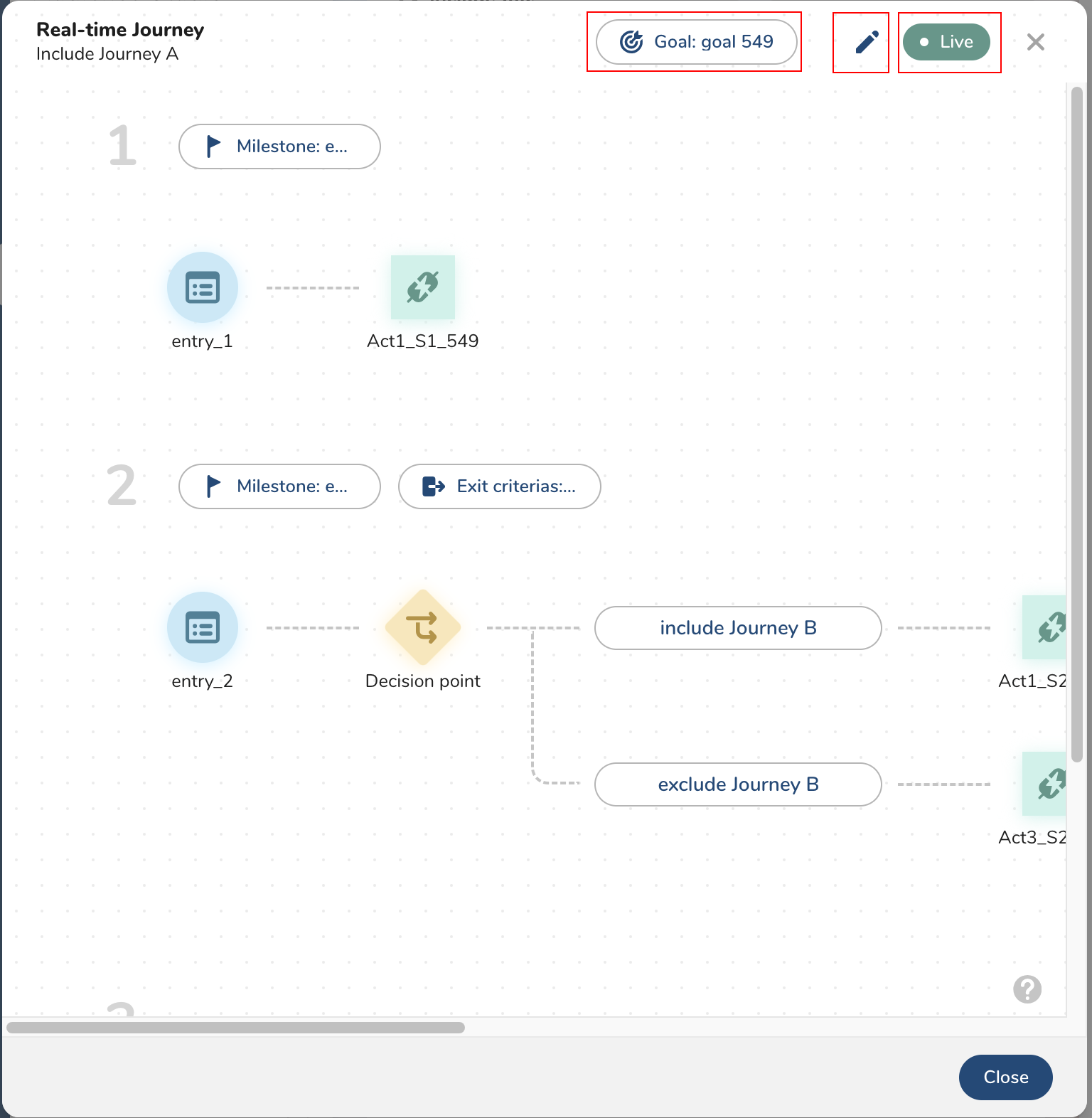
The Real-time Journey page displays.
From this page you can
- View the real-time journey goal
- Edit the journey details
- Pause or resume the journey
- View element settings
If you have policy-based permissions set, you will need folder edit access to edit journeys.
To edit your real-time journeys:
- Open TD Console.
- Select the diamond to navigate to Audience Studio.
- Select the journey you want to edit.
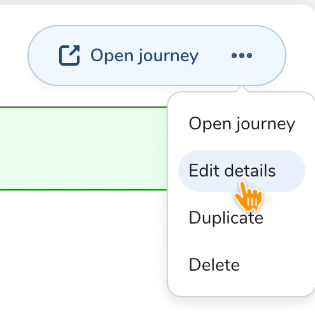
Real-time journeys can be identified by the icon preceding the name. - Select Edit details.
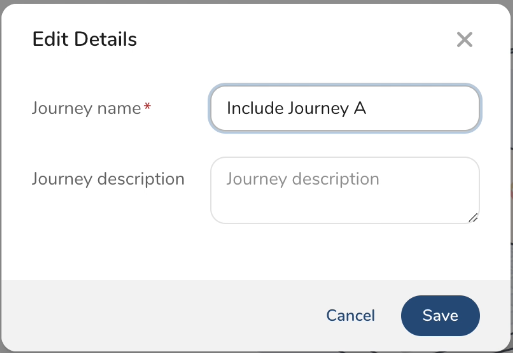
The Edit Details modal displays. On this page you can change the Journey name and Journey description.
To duplicate a journey:
- Open TD Console.
- Select the diamond to navigate to Audience Studio.
- Select the journey you want to duplicate.
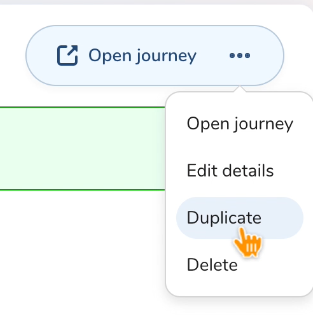
Real-time journeys can be identified by the icon preceding the name. - Select Duplicate.
The Duplicate Journey modal displays.
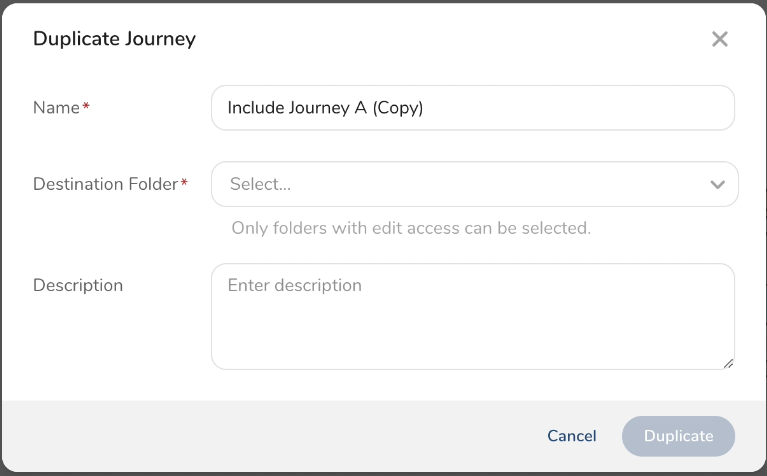
- Enter a name for the duplicate journey.
- From the drop-down menu, select the folder where you want the duplicated journey to be located. You will need to have edit access to the destination folder.
- (Optional) Enter a description.
- Select Duplicate.
The Real-time journey page displays the duplicated journey. - Make changes to the journey by selecting the edit icon
 .
. - Select either Launch or Save draft and exit.
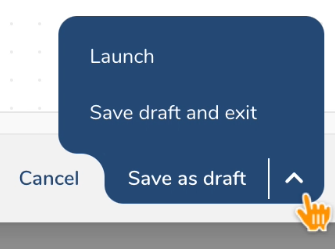
The Audience Studio page displays the newly duplicated journey.
If you selected "Save as draft" the journey will be marked as "Configuration is in progress."
To delete a real-time journeys:
- Open TD Console.
- Select the diamond to navigate to Audience Studio.
- Select the journey you want to delete.
Real-time journeys can be identified by the icon preceding the name. - Select Delete.
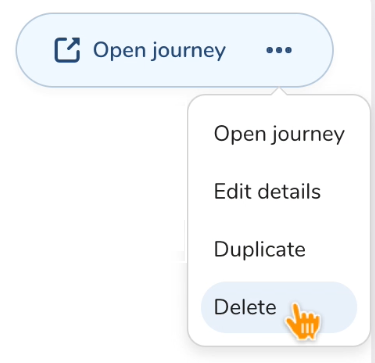
- Select Delete.
The real-time journey is deleted.