Account Hierarchy is available upon request. For more information, contact your Customer Success Representative.
When you create an account hierarchy activation, you activate group attributes to downstream systems for campaign personalization. To create a batch segment activation for account hierarchy, you must have the following:
- A parent segment that has Group Hierarchy enabled.
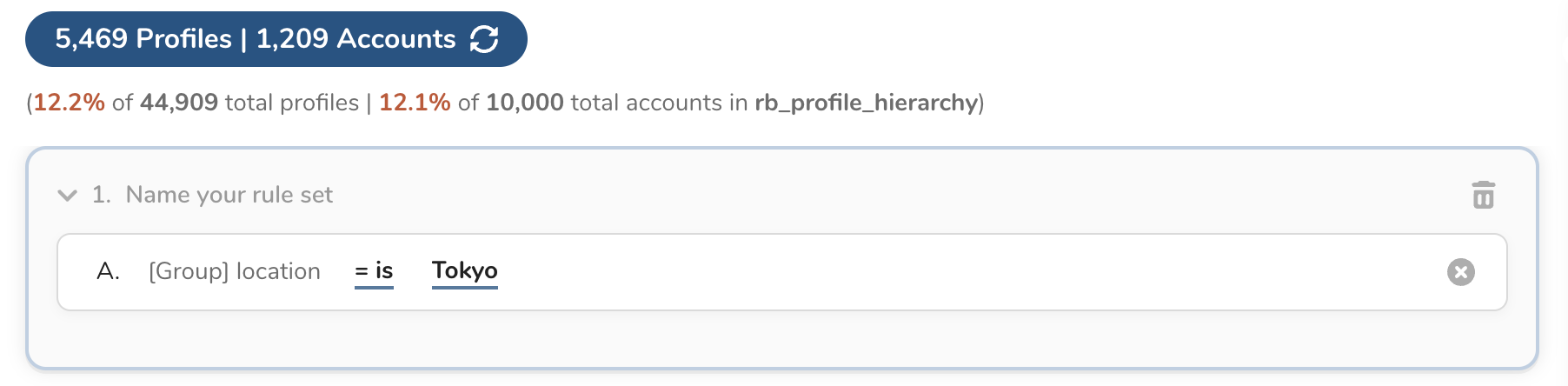
- A batch segment with group attributes.
- Open an existing batch segment.
- Select the ellipses (...) next to Edit segment rules.
- Select Create activation.
- Enter activation details.
- Select Output Mapping.
- Select a group attribute from the drop-down list. Group attributes are enclosed with brackets to identify the group.