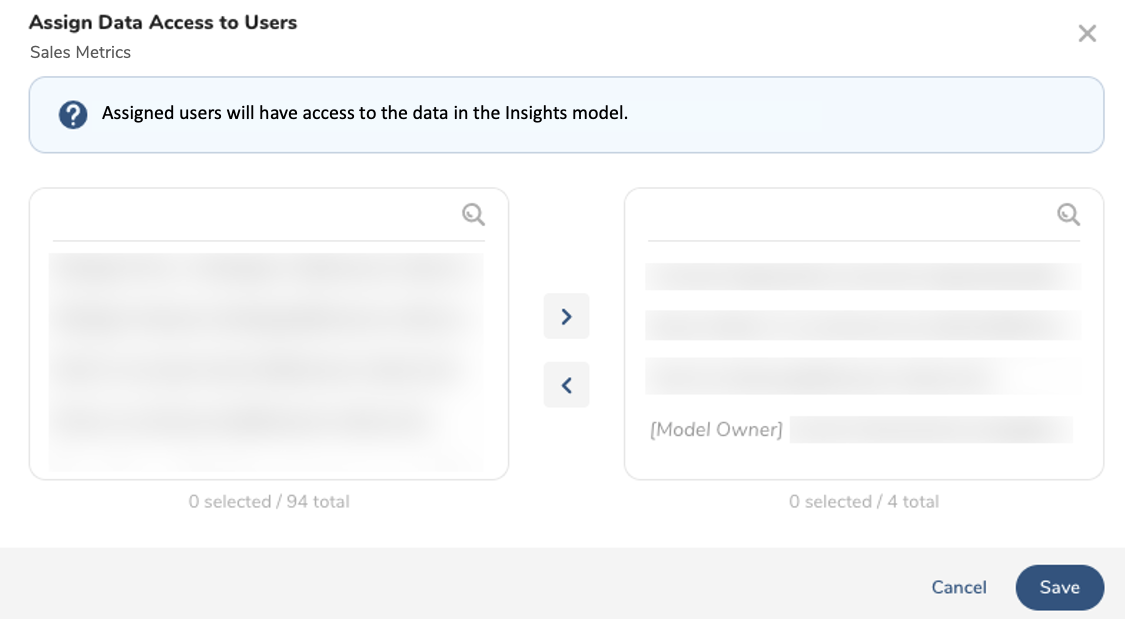
The creator of an Insights model does not automatically have sharing permissions. You must explicitly share the Insights model with the model creator to share it with other users. Users can share Insights models with users that have Configuring TI Access permissions
- Open the TD Console.
- Navigate to Control Panel > Settings > Insights Models.
- Select an Insights model to share.
Identify the user in the Created By field.
- Select Assign data access.
- Search for the user that created this Insights model. You must type in the user's name. You cannot search with "Model Owner".
- Select the Model Owner and copy it to the right panel.
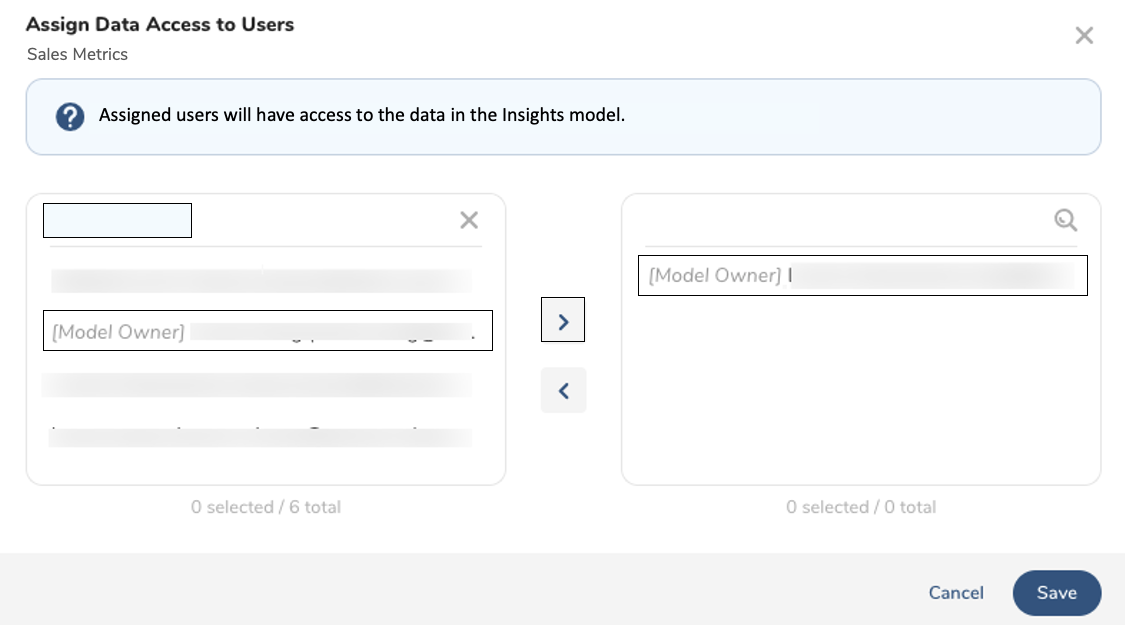
- Search for other users and copy them to the right panel and then select Save.