There are two levels that are available for editing:
- Edit details. Change descriptive details about the Insights model**.**
- Edit an Insights Model. Change Insights modeling data connections**.**
Currently, you can only change the description of an existing Insights model. You cannot change the name or type.
- Select the pencil icon.
- Add or change the description.
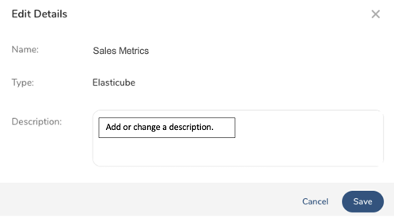
- Select Save.
1. Select an Insights model.
2. Select Edit Insights Model.
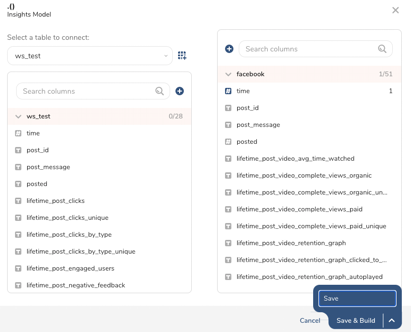
3. You can make the following changes to an existing data model:
- Delete and add tables. The deletion of an existing table from an Insights model removes all data connections in the Insights model.
- Delete, change, and add Insights data connections.
4. Select Save to save your changes to the Insights model.