You can cancel data import using the schedule definition of the data connector or by using the jobs page.
- Cancelling by Editing the Schedule in the Data Connector
- Cancelling Data Transfer Using the Jobs Page
You can remove or change the time that the input transfer is scheduled to execute.
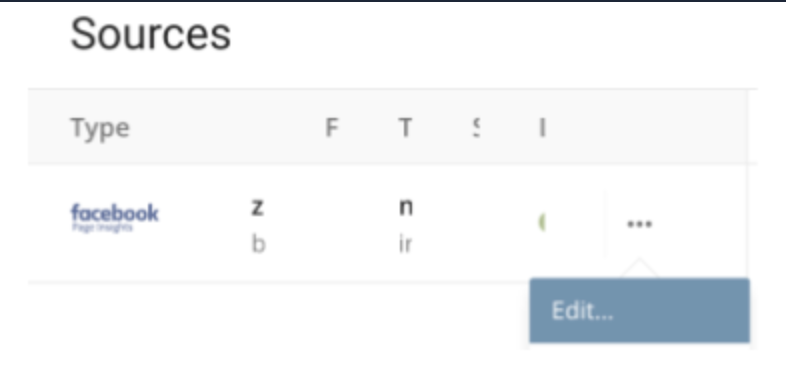
Navigate to Integrations > Sources.
Select the ellipses.
Select Edit.
- Navigate to the Data Placement page.
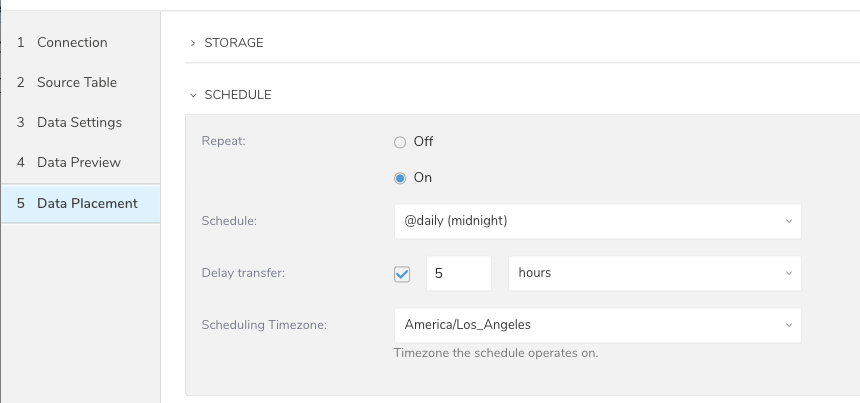
- Edit the Schedule. For example, select Off.
This option is only available while the job is running.
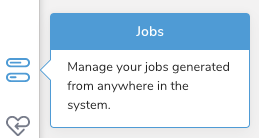
- Navigate to Jobs.
Filter for the job that you want to stop.
Select the job.
Select Kill.
