Audience Agent is a premium feature. Contact your Customer Success Representative for more information.
Audience Agent creates a chat session after you select either option when you start the Audience Agent.

At the beginning of a chat session, the Audience Agent creates a timestamp. Chat history is split into three categories:
- Today
- Previous seven days
- Previous 30 days
- Open TD Console.
- Navigate to the Audience Studio.
- Select a parent segment.
- Select Audience Agent.
- Select the list icon
 to display chat history.
The chats displayed are associated with your user login; you cannot see other users' chat history.
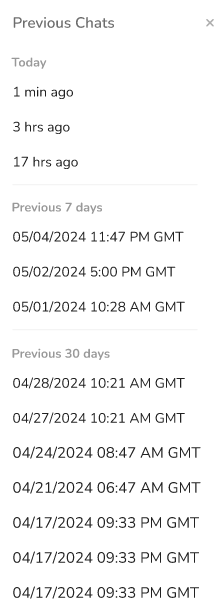
If you abandoned a chat session with Audience Agent, select a point in history to review your chat.
- Select a chat to view it.