- Open TD Console.
- Navigate to Audience Studio
- Select a segment.
- Select Activations.
- Hover your mouse over an activation and right-click your mouse.
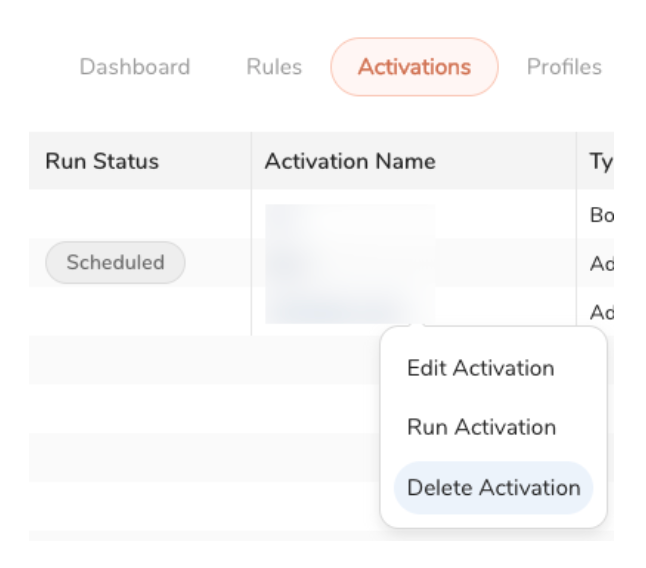 6. Choose one of the following:
- Select Edit Activation. Select the trash can icon to delete the activation.
- Select Delete Activation.