Provide access to each Insights model by providing access to specific users.
- Open TD Console.
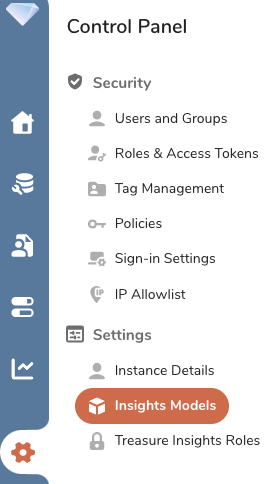
- In the left Global Navigation panel, select the Control Panel icon and then select Insights Models.
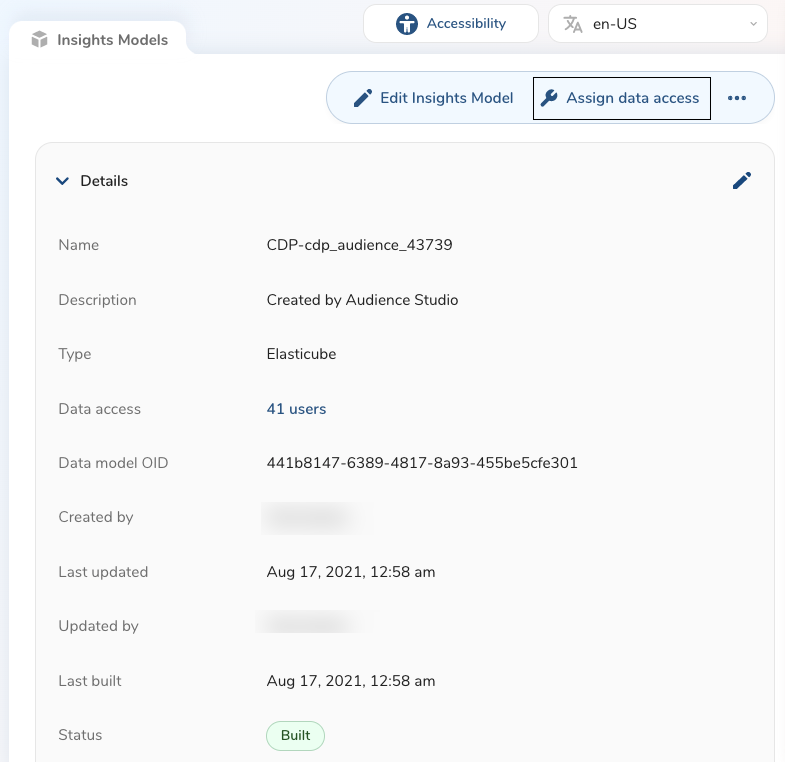
Select an existing Insights Model.
Select Assign data access.
- Use the navigation to add and remove users' access to the Insights model.
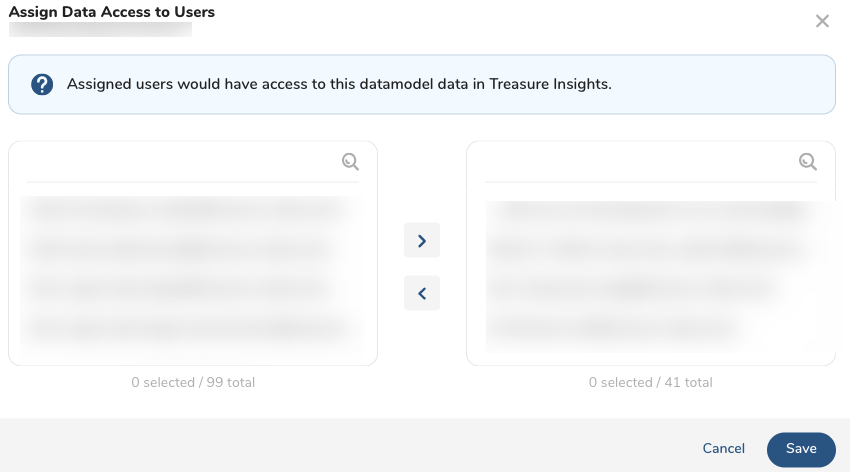
- Select Save.