You can configure the account-wide default query engine for Treasure Data. All new queries will have the engine specified as the default query engine.
Select the Control Panel icon.
Select Instance Details.
Select the Edit icon.
Validate your account information.
For Default Query Engine, make one of the following choices:
Presto
Hive
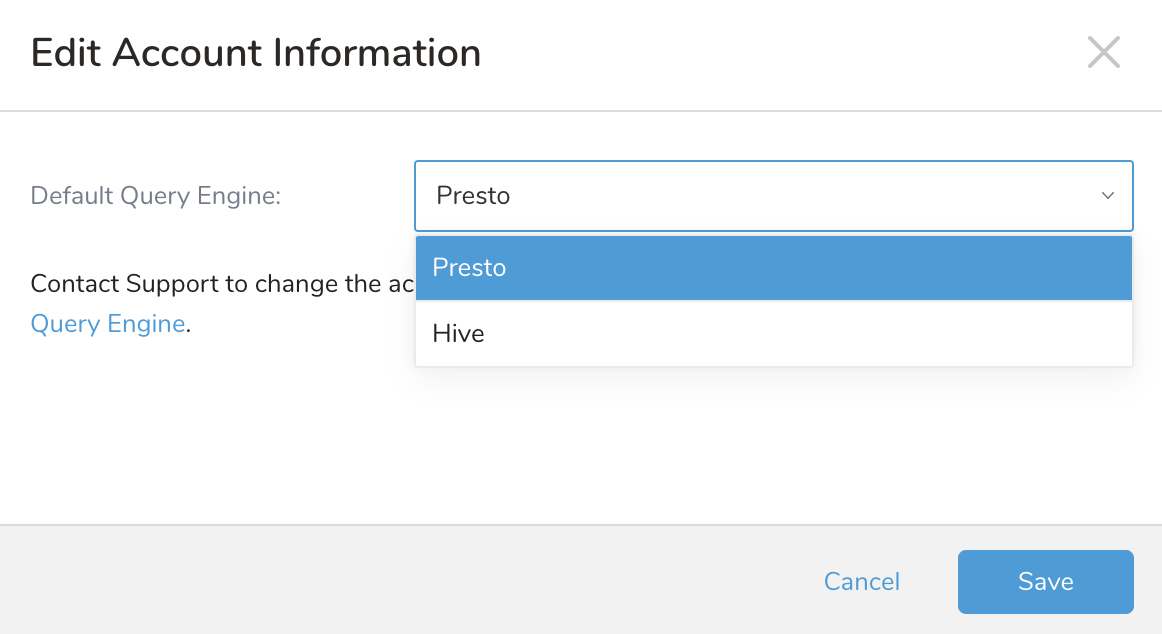
- Select Save.