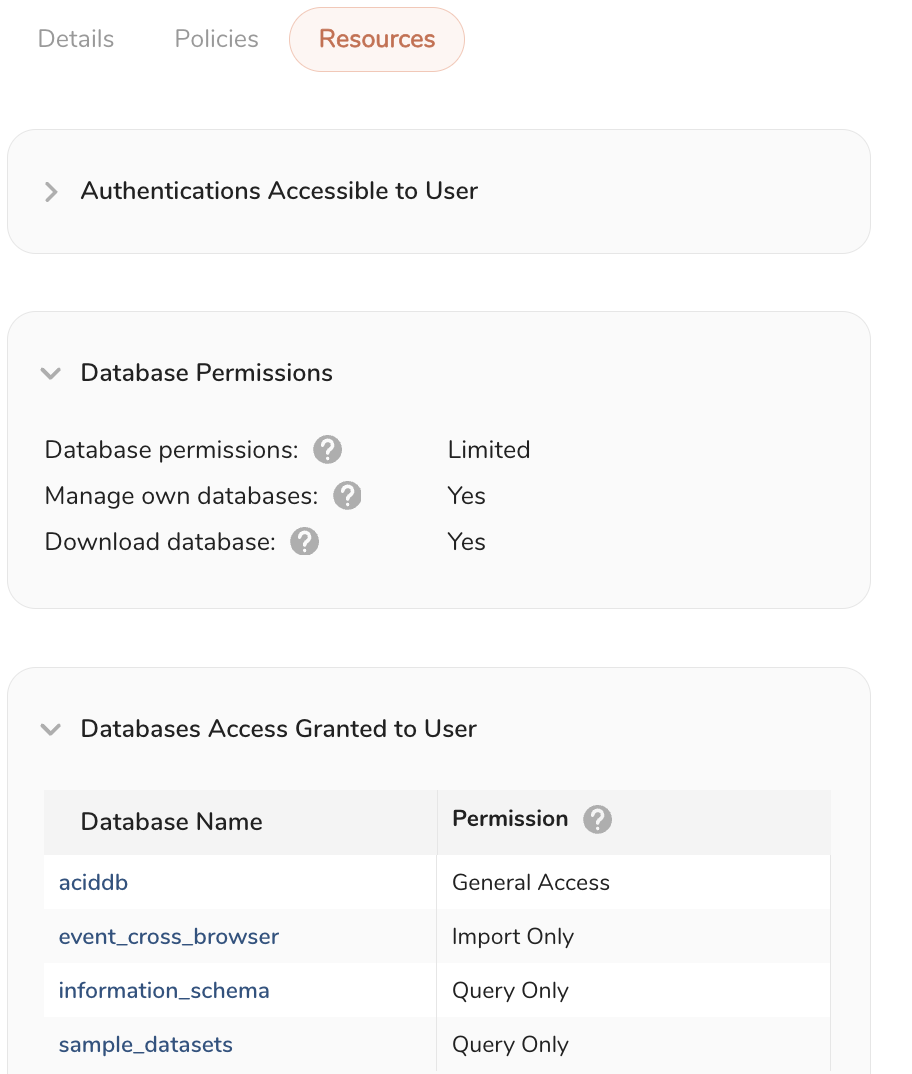
Only users, account owners, and administrators can view database permissions at the user level.
Database Access features are only visible to accounts without Policy-based Database Permissions. Contact your Customer Success Representative for more information.
- Open TD Console.
- Navigate to the Control Panel.
- Select Users.
- Select a particular user.
- Select Permissions.
- Scroll down to Database Permissions.