Treasure Data offers a user interface experience (that unifies TD Console and the CDP UI) and some changes in terms. The URL endpoint that you use to access the TD Console stays the same.
TD Console was also updated to provide a Control Panel for administrators.
The TD Console navigation is constantly being updated. And Audience Studio (previously known as CDP and Audience Suite) is included as part of the TD Console.
Audience Studio, including a view of Master Segments, is only viewable and accessible to TD customers who have purchased the CDP feature.
The following summarizes changes in the user interface, terms and task flow between the former TD Console and the current generally available TD Console.
If you use the Treasure Data platform solely through the command line interface, you are not affected by these changes.
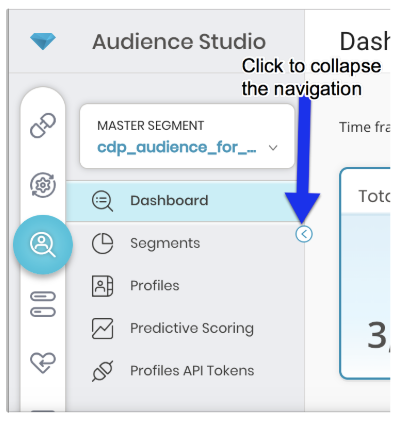
To save visible space for working within the TD Console, the navigation pane is collapsible.
Data connectors, that enable you to import data into, or export data out from the Treasure Data platform are referred to as Integrations.
When you configure a specific connector, providing credentials so that the connector can authenticate to a source or target, you save the connector as an Authentication.
The following is a summary of term changes in the Integrations area:
| Was | Is | Definition |
|---|---|---|
| Source Catalog | Catalog | You can explore many of the bulk and streaming connection methods from the source catalog in the TD Console. Go to this page to setup a new authentication method for a particular source. |
| My Connections | Authentications | A list of all the authenticated Connections you’ve created in your Treasure Data account. You can also create and schedule Sources from Connections from here. |
| My Input Transfers | Sources | A list of all the 'Sources'. You can edit and delete sources from here. The Sources container is empty until you create a New Source on the Authentications page. |
The task flow of importing of data into Treasure Data continues to be:
Locate your source connector in the Catalog. Select the connector tile that you want and begin configuration. When you save your configuration, your authenticated connector is listed on the Authentications page.
You can specify the specific data that you want to import into Treasure Data (Fetch from). You also specify where you want the data to be placed in Treasure Data (Transfer To).
Specify the time for the data transfer (at once or at a specified day and time). When you save your configuration, you can see the connector listed in Sources.
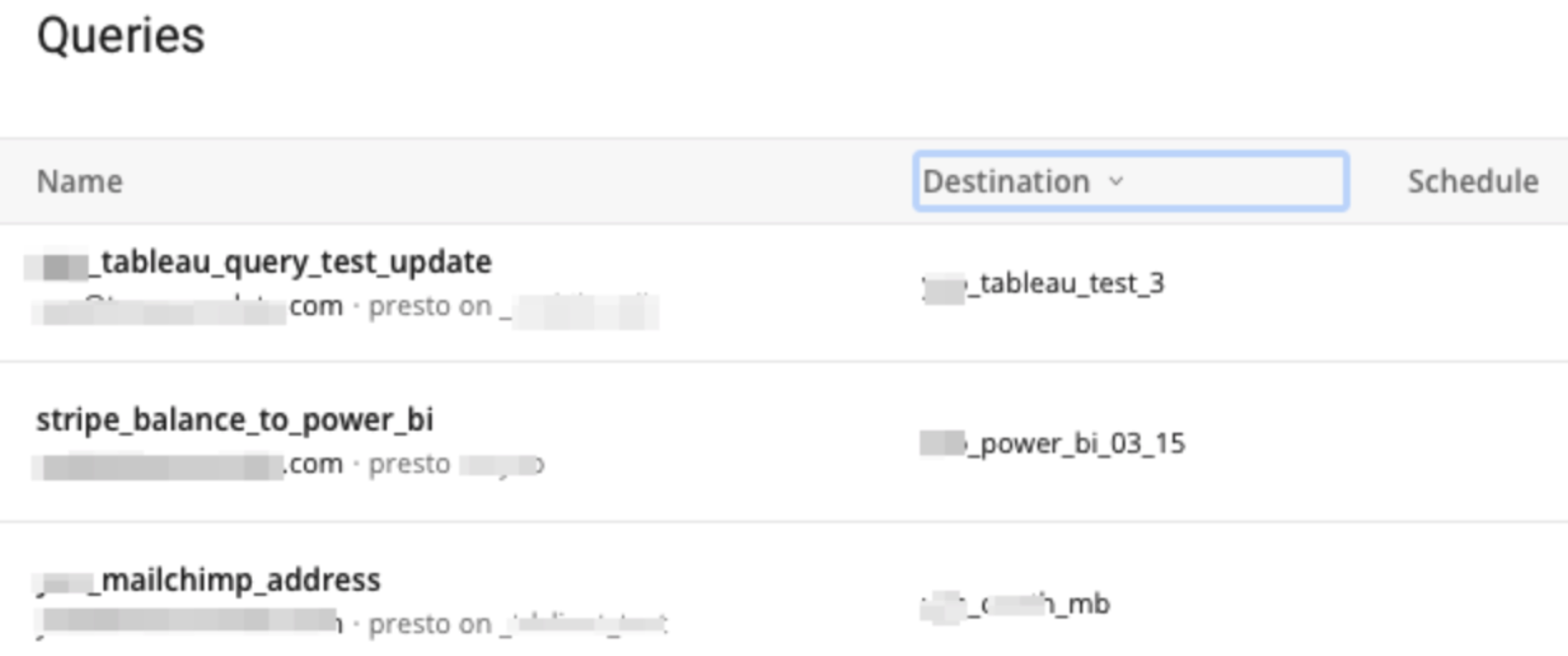
For exporting of data out from Treasure Data, the task flow continues to be that you specify export from within a query. Queries are viewed from the Data Workbench area of the TD Console:
The process of creating an export connector remains the same. In the query editor, in the view of your query, select Export Results to :
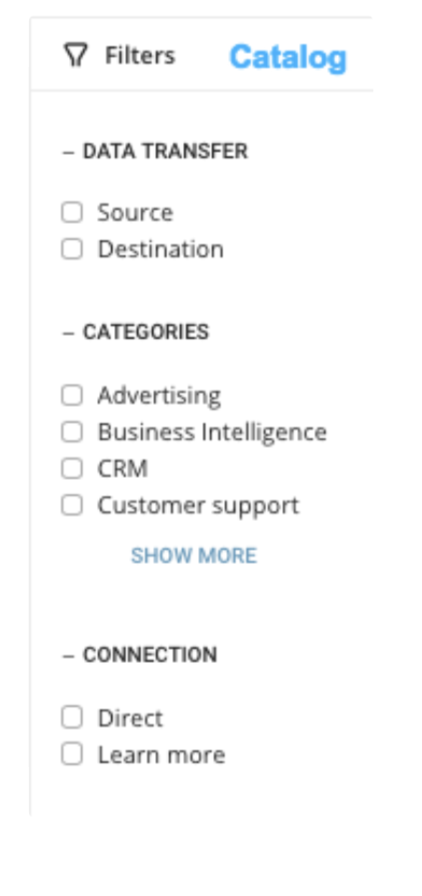
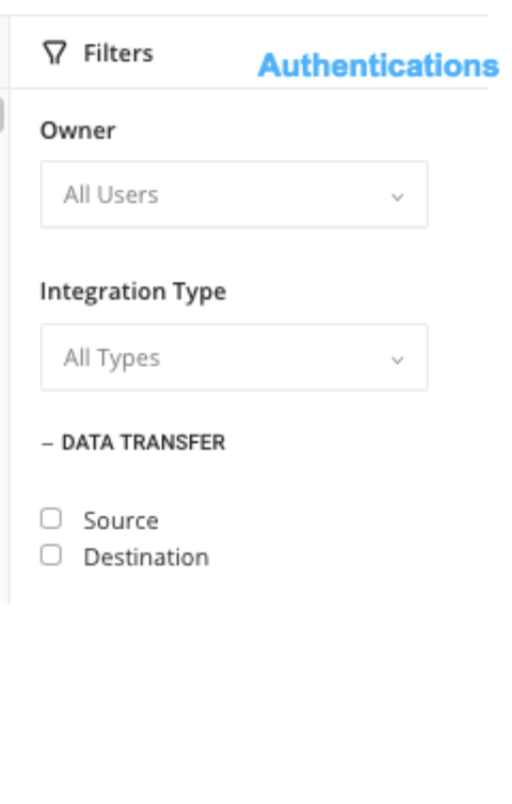
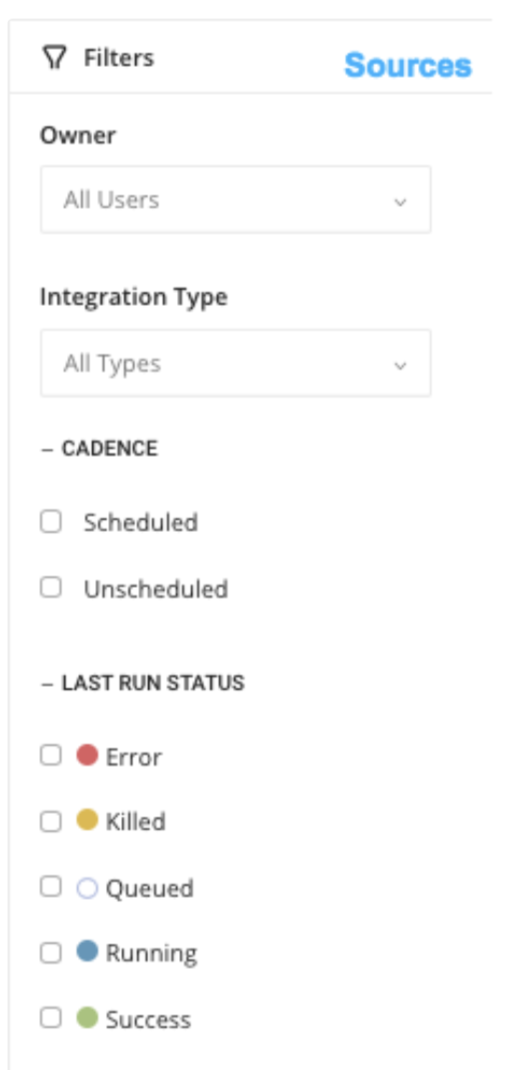
In the Integrations area, you can use filter capabilities in the Catalog view, Authentications view, and Sources view:
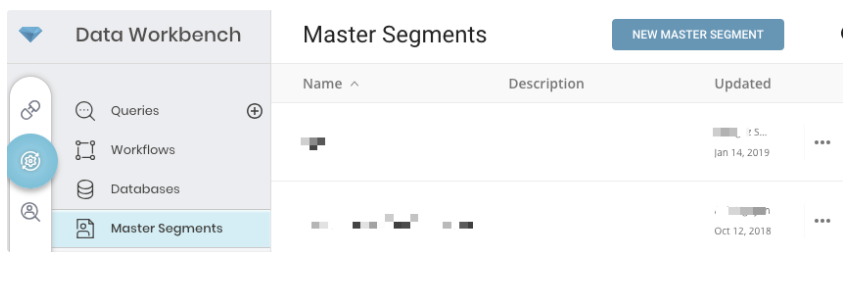
The Data Workbench area includes the Query Editor, Treasure Workflow, Databases and Master Segments.
The following is a summary of term changes in the Queries area:
| Was | Is | Definition |
|---|---|---|
| Output | Destination | On the Queries list page, the column that lists connectors that is exporting data. |
| Output Results | Export Results | In the Query editor, where you are taken after you select New Query. |
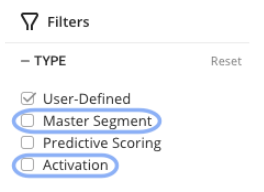
If Audience Studio is part of your TD platform, the Treasure Workflow filter includes the changed terms that are highlighted.
The following is a summary of term changes in the Treasure Workflow area:
| Was | Is | Definition |
|---|---|---|
| Last RunNext Run | Last AttemptNext Attempt | On the Workflows list page, the columns that provide timestamps for workflow activity. |
| Create & Edit | New Workflow | On the Workflows list page, the button you select to create a new workflow. |
The interface for Databases does not change.
The interface that was Audience Builder is Master Segment. Build your Master Segment in the Master Segments area. For example:
The following is a summary of term changes in the Master Segments area:
| Was | Is | Definition |
|---|---|---|
| Audiences(or - for a very brief time - Profile Sets) | Master Segments | The area where you define a data model for customer data. It is the point at which you unify all your customer data by specifying database tables that consists of attributes, behaviors, and characteristics. |
Audience Studio is fully integrated with TD Console.
The Segment Dashboard provides an immediate view of segment characteristics. You can filter the dashboard by date range. You can also compare the number of profiles in each segment using the segment comparison chart. You can compare up to four segments at one time.
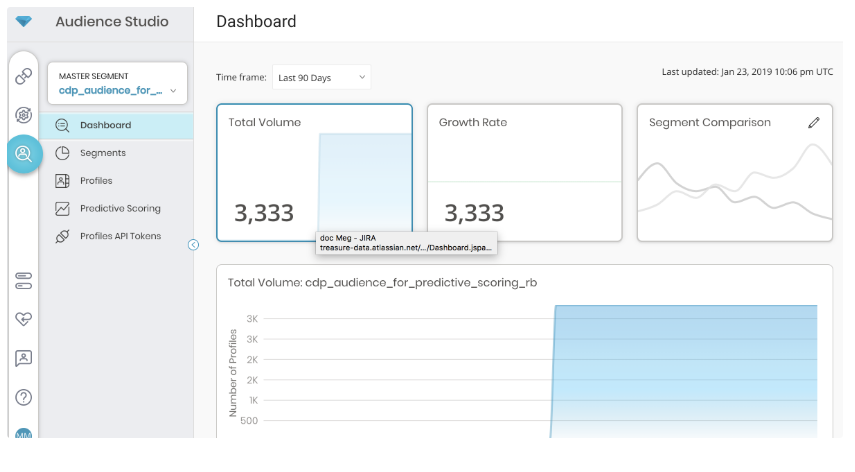
In the TD Console, you can directly access features such as customer views, segmentation, personalization API, and predictive scoring from the same TD Console that you access other Treasure Data features. The entry point is the Audience Studio view.
If you created multiple Master Segments in the Data Workbench area, in Audience Studio, you can select on the drop-down to view the list of Master Segments that you can access.
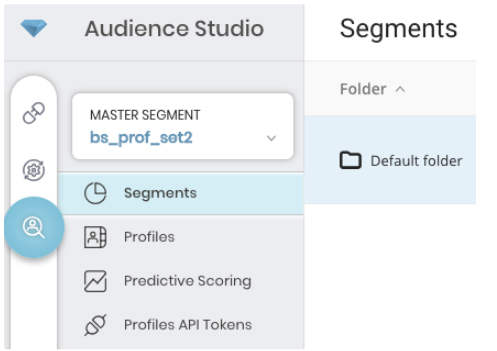
You can then choose to view the Segments that have been created for a Master Segment (as shown in the preceding image) or view a list of Profiles(as shown in the following image) that are contained in the Master Segment**.**
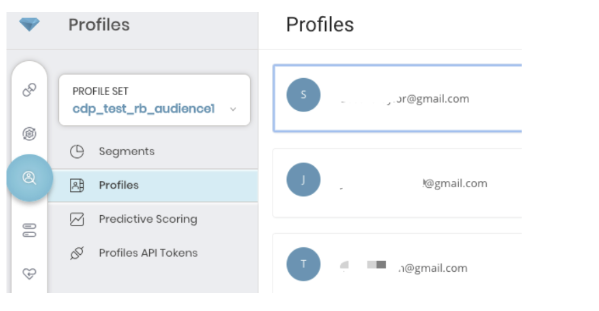
You can select on a profile to view details.
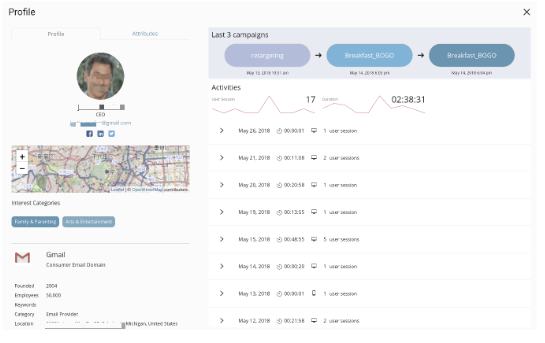
The following is a summary of term changes in the Profiles area:
| Was | Is | Definition |
|---|---|---|
| Customers | Profiles | The collection of customers that make up the audience or collection of profiles that make up the master segment. |
| Syndications | Activations | The area in which you specify how to apply a segment. For example, you might apply a segment to a target system to be used in an email campaign or use a segment with the Personalization API that works with a target system to update your segments. |
Other than the term changes, the interfaces for the Profiles, Segments, Predictive Scoring and Profiles API views in the Profiles area stays the same.
| Was | Is | Definition |
|---|---|---|
| Personalization API | Profiles API | REST API that returns customer data in real-time and updates your segment information. |