Users without permission to edit workflows can still open and view project revision history. You can open a split view in any project and compare it to any files in the dropdown.
Options to create and copy to current are disabled.
Users without Edit permission might see a view like this. The Restore Revision option is not available but may download revisions.
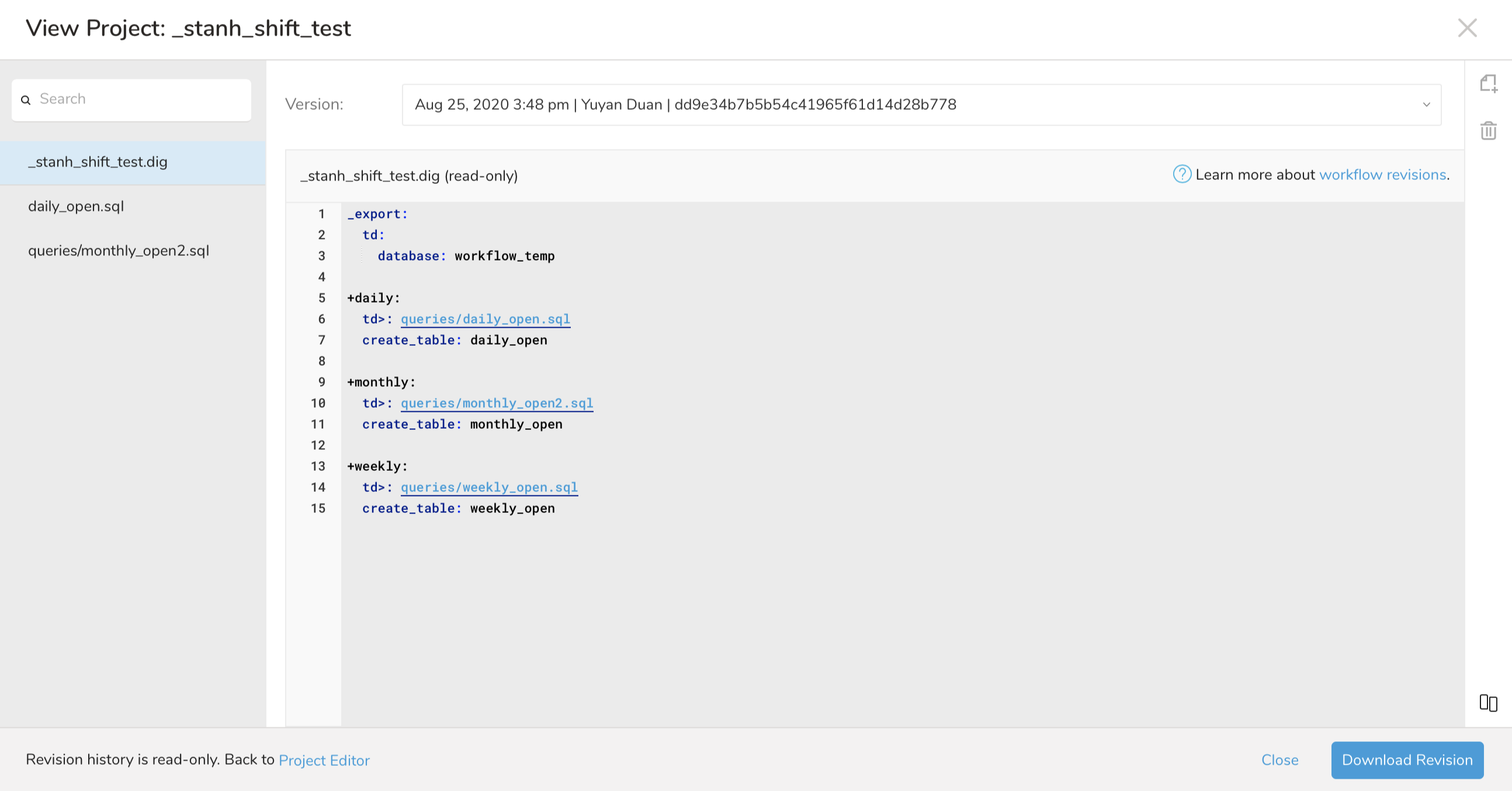
Users without Edit permission might see a view like this. Users can download versions, but the Restore Revision , Copy to current , and Edit current version files options are not available.

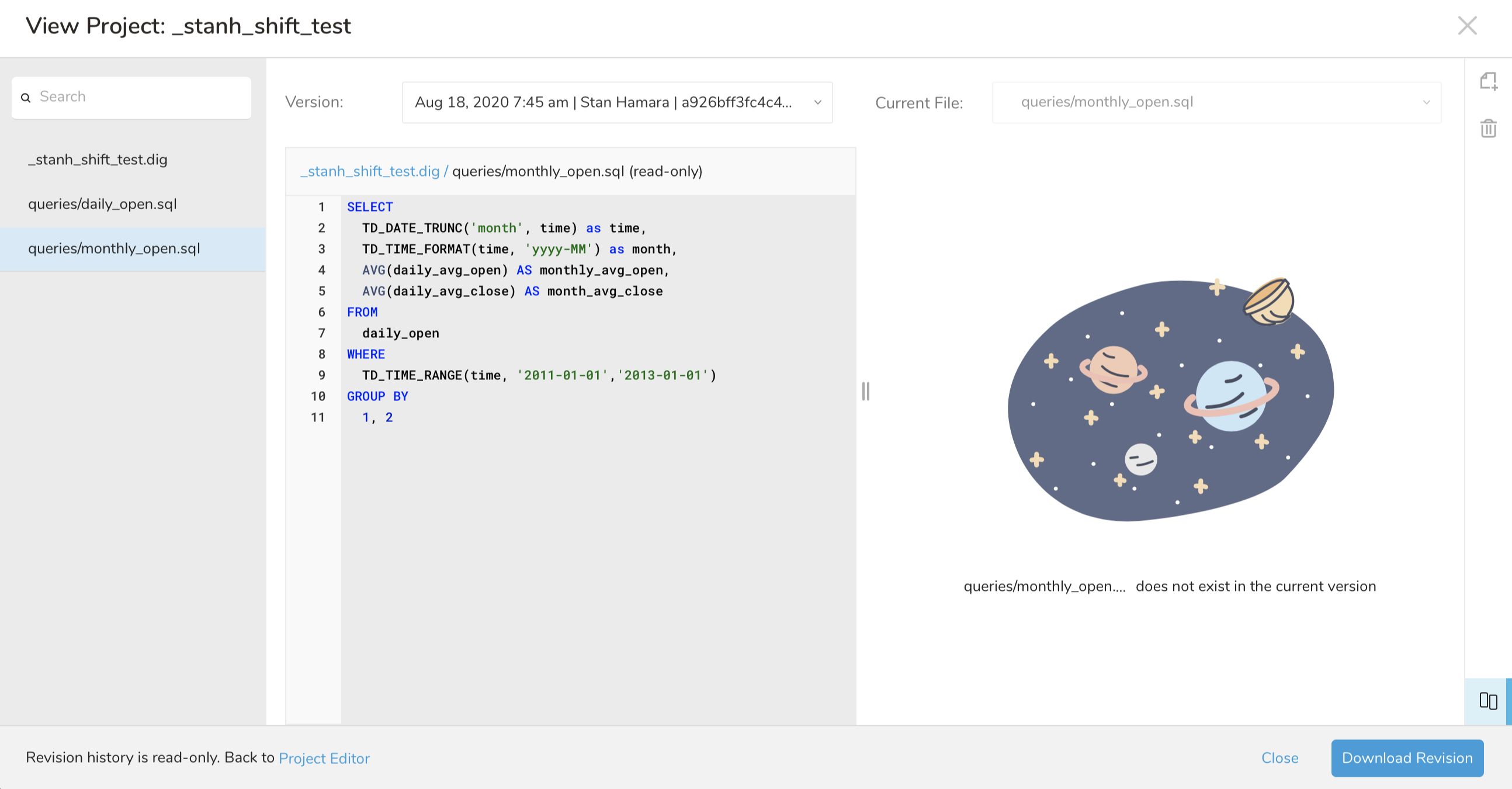
Users without Edit permission have limited abilities viewing files that have no corresponding file between versions. Create [filename] in the current view or Copy to current options are hidden.
Learn more about the Project Workflow Editor.