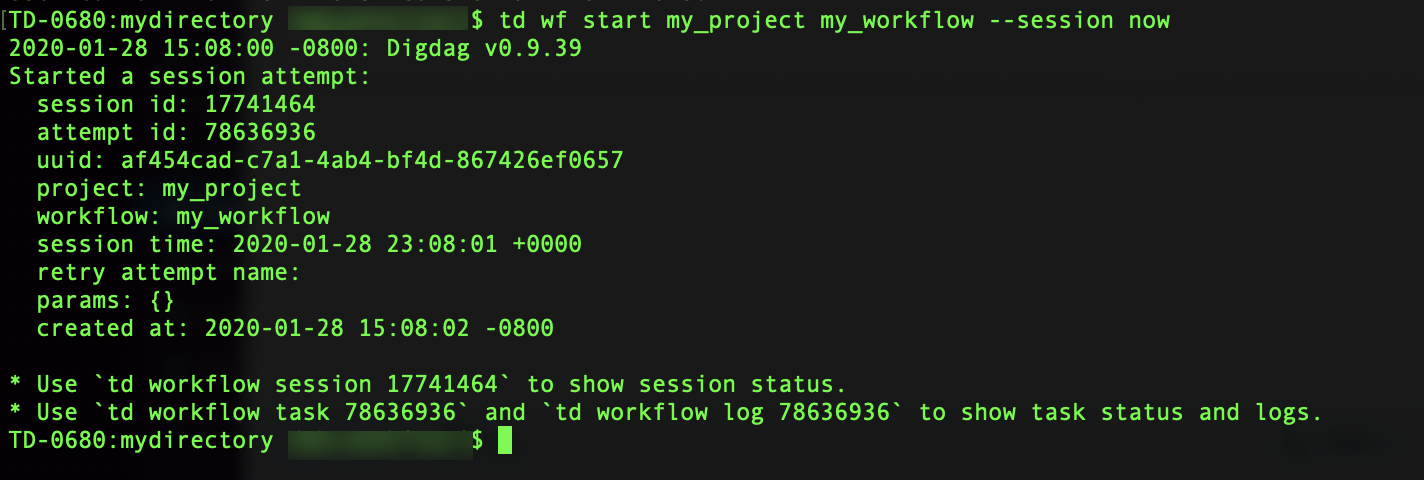
You can start a workflow session right from the command line using the --session now command to begin a workflow session immediately.
Open the terminal.
Open your workflow directory.
cd /users/<yourname>/mydirectory- List the existing items in your directory to verify the files.
ls -al- Run the workflow session using your project name and workflow file name in your command.
td wf start my_project my_workflow --session nowThe command begins the session and displays session attempt details, including commands to check the status of your session.