After you create an interface you can edit and delete the existing interface configuration.
Open TD Console.
Navigate to AI Agent Foundry.
Select a Project.
Select the Image Generator tab.
Click the 3-dots icon of a particualr image generator to edit.

Update the neccesary fields.
Click Save.
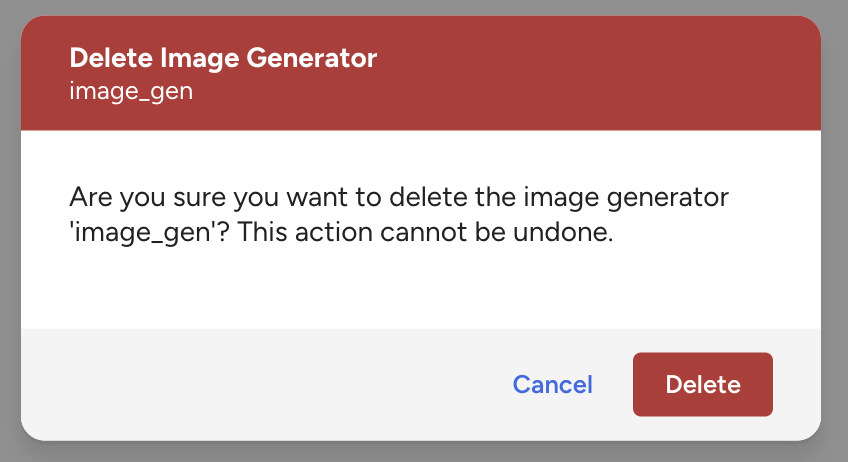
Click 3-dots menue and click Delete image generator.

Click Delete button if it's OK.