You can delete AI projects if you have the correct permissions.
Open TD Console.
Navigate to and open AI Agent Foudry.
Slect Project.
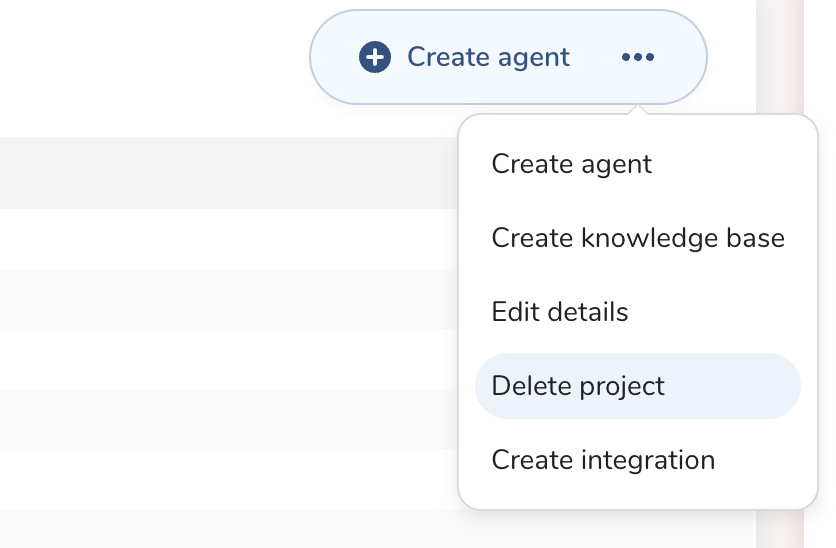
Open dropdown from 3-dots menu and select Delete Project
Click Delete in the delete modal
Note that deleting a project will delete all assets defined in the project. The managed project can't be deleted from the AI Agent Foundry. You must turn off the LLM on the Parent Segment Configuration.