You can check the status of the build by calling API using the specific data model and build ID.
- Your personal API key
- The endpoint corresponding to your site access
Use the GET method to show the status of a specific build.
curl -X GET https://${TD_API_ENDPOINT}/reporting/datamodels/ae9e7e75-9651-4d4d-afec-f7ac58b773c6/builds/5d7f0255-9e62-49ce-a4ea-36a2524d9447 \
-H 'authorization: TD1 xxxx/xxxxxxxxxxxxxx' \
-H 'accept: application/json'You can retrieve builds associated with a specific data model.
curl -X GET https://${TD_API_ENDPOINT}/reporting/datamodels/xxxxxx/builds \
-H 'authorization: TD1 xxxx/xxxxxxxxxxxxxx' \
-H 'accept: application/json'Treasure Insights reports one of the following states when you query a build. Use them to determine whether additional action is required.
- pending — the job is queued but not yet executing.
- building — the build is currently running.
- done — the build completed successfully.
- failed — the build finished but encountered errors and needs attention.
- canceled — the build was intentionally stopped before completion.
If you experience a build failure, it may be because your memory usage is exceeding the allocated build size limit. To address the limit, you can reduce the data volume or reach out to your Customer Support representative.
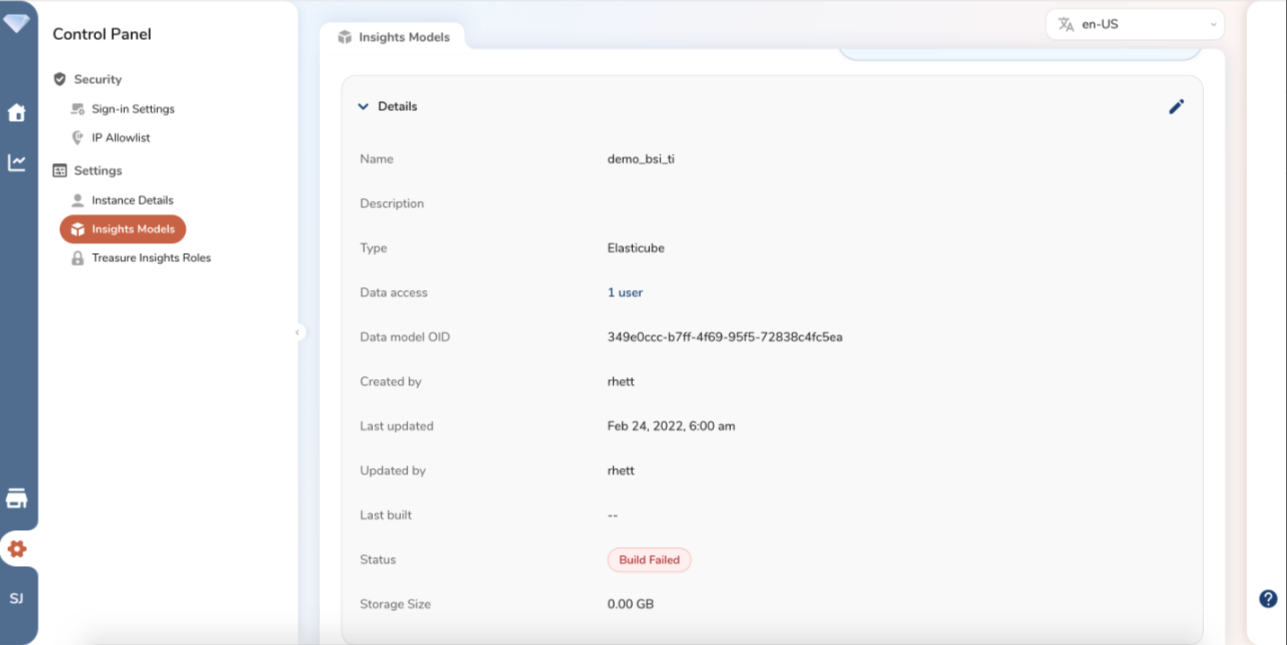
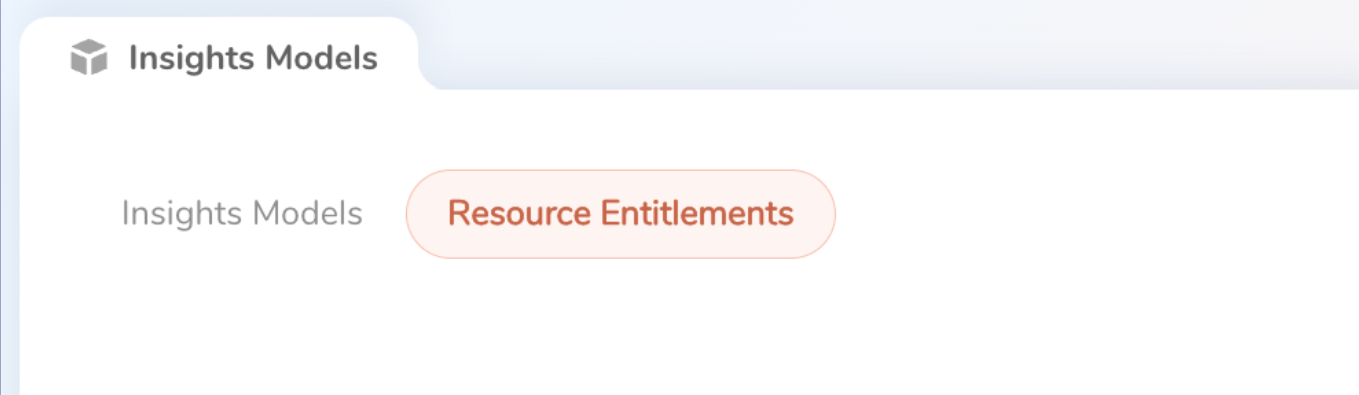
You can view resource limits under Resource Entitlements in your insights models area of the dashboard.
If you are able to load the dashboard, but you experience a high resource load, you may see an error querying your data model.
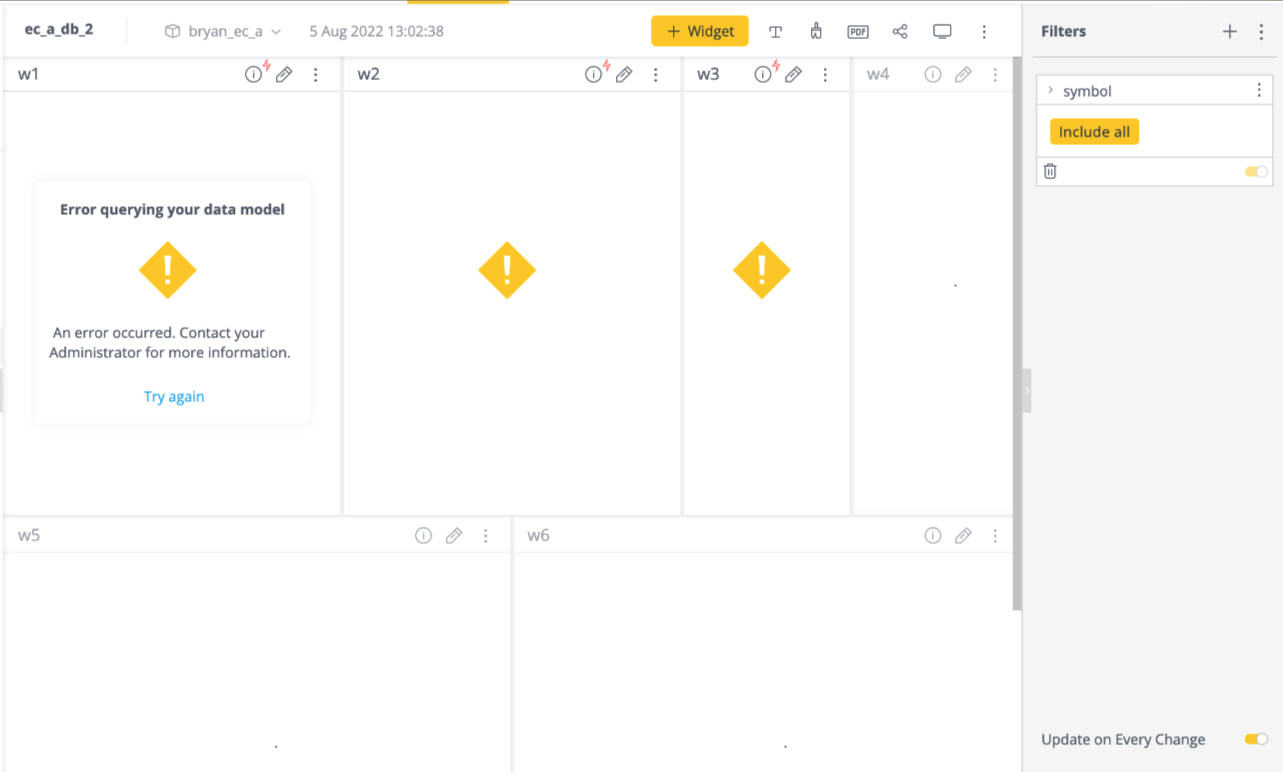
If you experience an error querying your data model, you can try the following solutions:
- Reduce widgets
- Reduce data volume
- Reach out to your Customer Support representative.
Every data model, build, and dashboard/query is associated with a certain upper limit of RAM and CPU, so if the data model build exceeds that limit, users will see an error.
Use the GET method with the specified account id to view the query and dashboard limits in GB, paying special attention to the given response for build_size and query_size values. Similarly, users can view this information in the UI.
curl -X GET https://${TD_API_ENDPOINT}/reporting/xxxxxx \
-H 'authorization: TD1 xxxx/xxxxxxxxxxxxxx' \
-H 'cache-control: no-cache' \
-H 'accept: application/json'You can also test builds associated with a specific data model.
curl -X GET -H 'Authorization: TD1 xxxx' \
http://${TD_API_ENDPOINT}/reporting/datamodels/b61d7523-3655-4b8c-bc69-48f7f68a5314/builds/17e374e4-8267-4fbb-be92-d87aa5823c32{"oid":"17e374e4-8267-4fbb-be92-d87aa5823c32","buildType":"full","status":"done","created":"2022-06-30T08:36:21.749+00:00","started":"2022-06-30T08:36:21.754+00:00","completed":"2022-06-30T08:37:01.224+00:00"}curl -X GET -H 'Authorization: TD1 xxxx' \
http://<api endpoint>/reporting/datamodels/b61d7523-3655-4b8c-bc69-48f7f68a5314/builds[{"oid":"17e374e4-8267-4fbb-be92-d87aa5823c32","buildType":"full","status":"done","created":"2022-06-30T08:36:21.749Z","started":"2022-06-30T08:36:21.754Z","completed":"2022-06-30T08:37:01.224Z"},{"oid":"978c2a7a-fc1f-489c-aae4-fcdc037fd46c","buildType":"full","status":"done","created":"2022-07-20T02:20:01.217Z","started":"2022-07-20T02:20:01.226Z","completed":"2022-07-20T02:20:41.920Z"}]