Open TD Console.
Navigate to Integrations Hub > Authentications.
Locate an authentication for which you would like to create a new source.
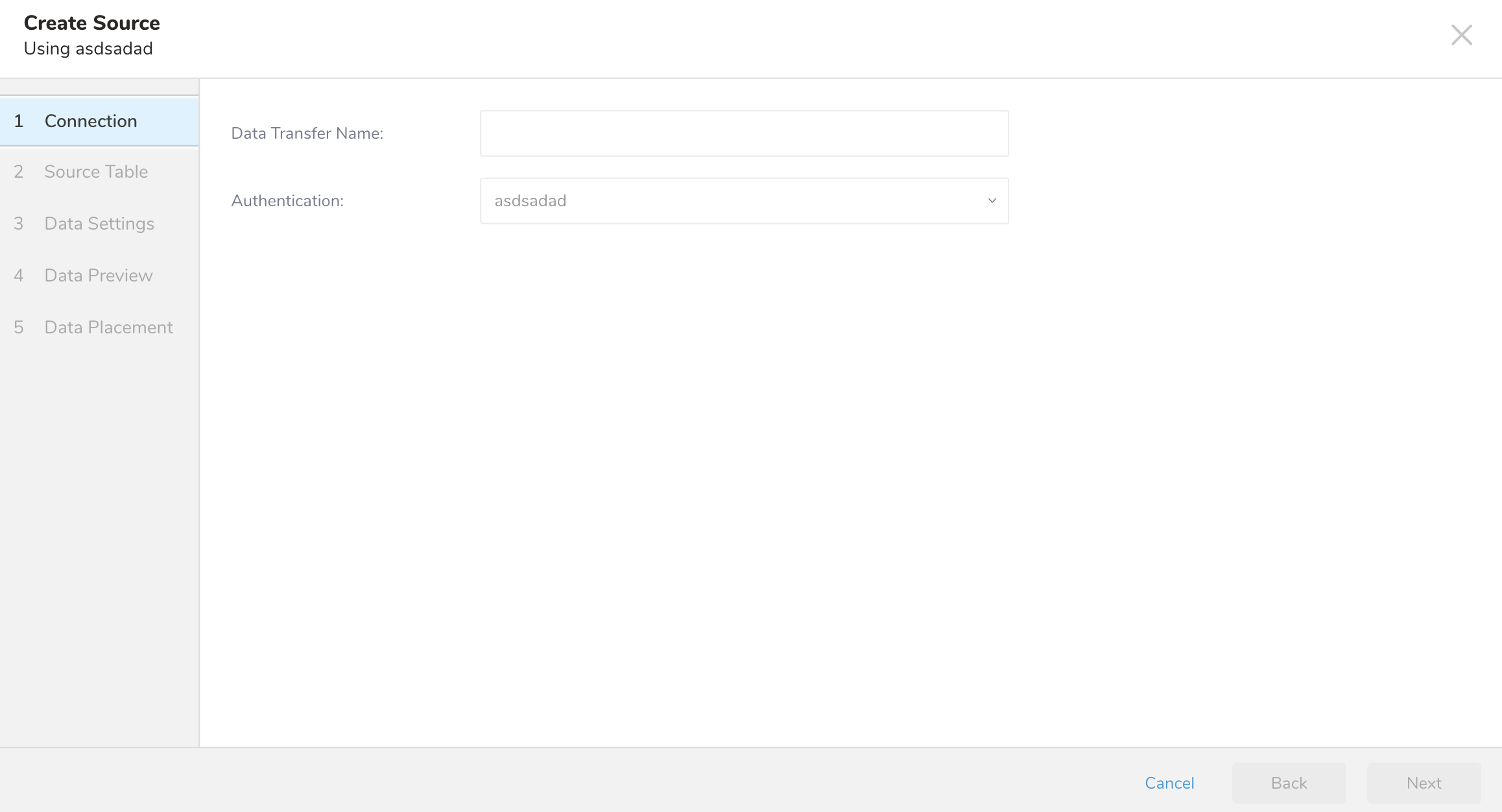
Select New Source. For example:
Type a name for your data transfer.
Select an existing authentication definition. See Creating a New Authentication
Type and edit selections as necessary to complete the definition of the new source.