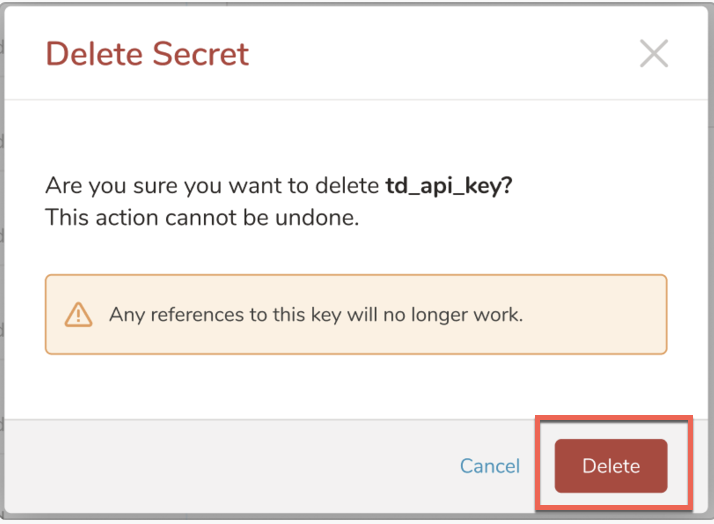
Treasure Data allows you to delete secrets through TD Console.
You must have Edit permissions to delete secrets. The edit permissions can be either global workflow permissions or project-related editing permissions. Users with View permissions can view secrets. Although you can add and delete secrets from TD Console, editing is not available in TD Console
Additionally, secrets set on TD Console are accessible from the CLI using the TD Secrets command, while secrets set on the CLI using the client mode TD WF Secrets command are visible on TD Console for the respective workflow projects and accessible to all the files in the project.
Open TD Console.
Navigate to Data Workbench.
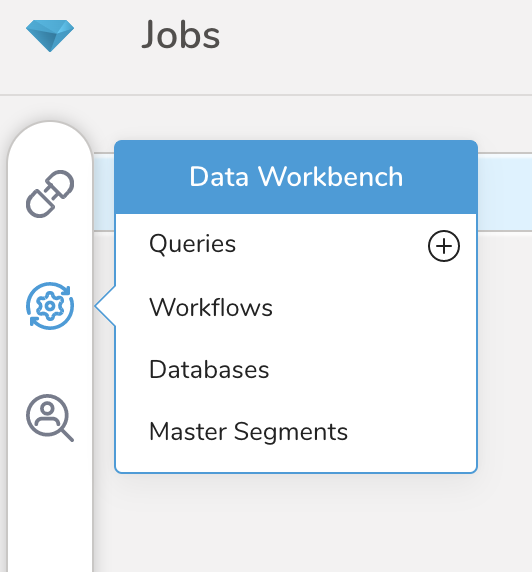
- Open Workflows.
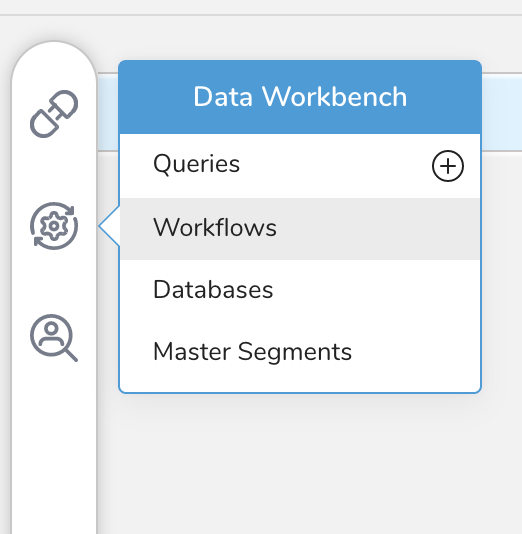
- Select the workflow to which you want to add secrets.
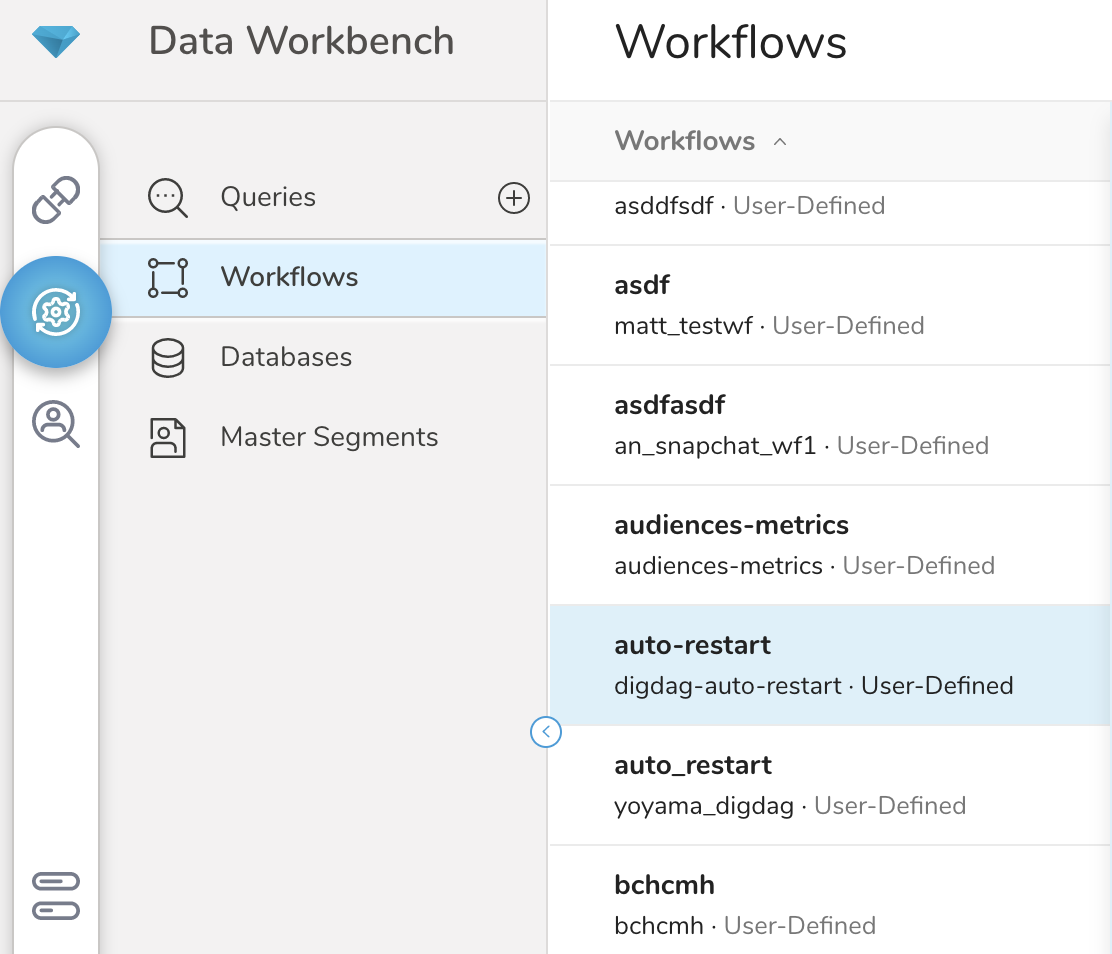
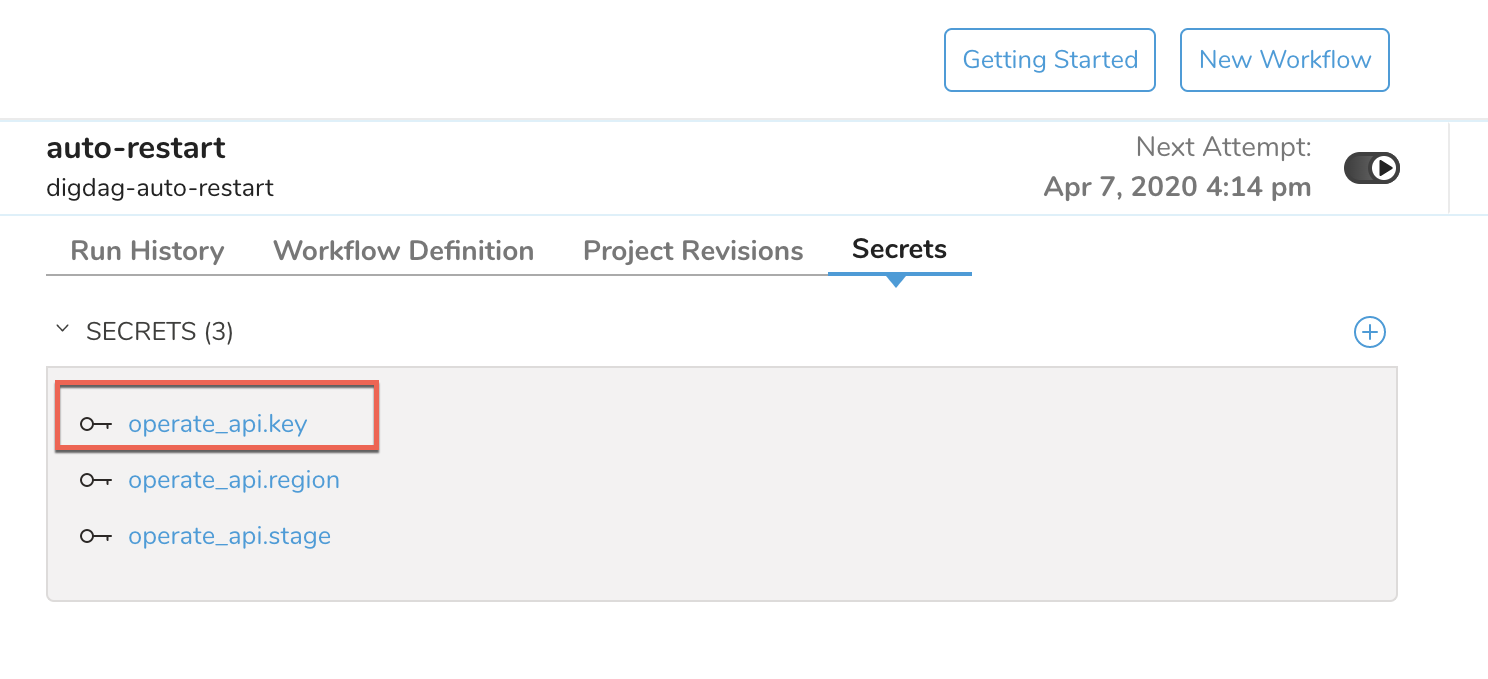
Select the Secrets tab.
Select the secret you want to delete.
 7. Select the trash bin to delete the secret.
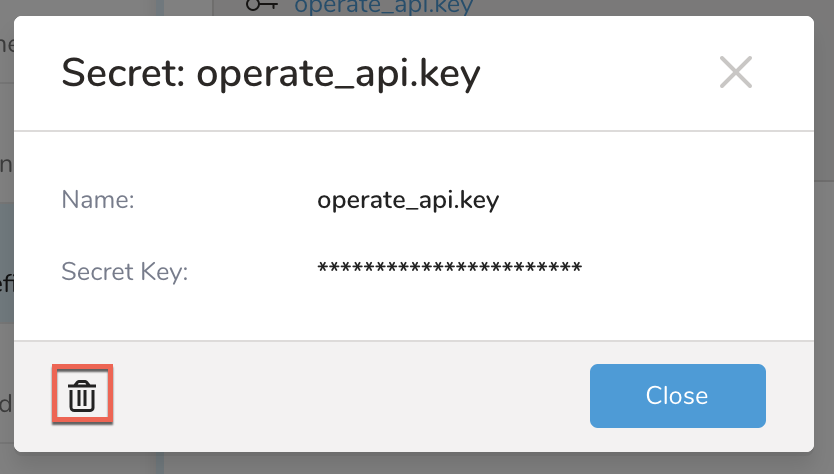 8. Be sure you want to delete the secret. This action cannot be undone. After you select Delete , the key is deleted and the operation is canceled.