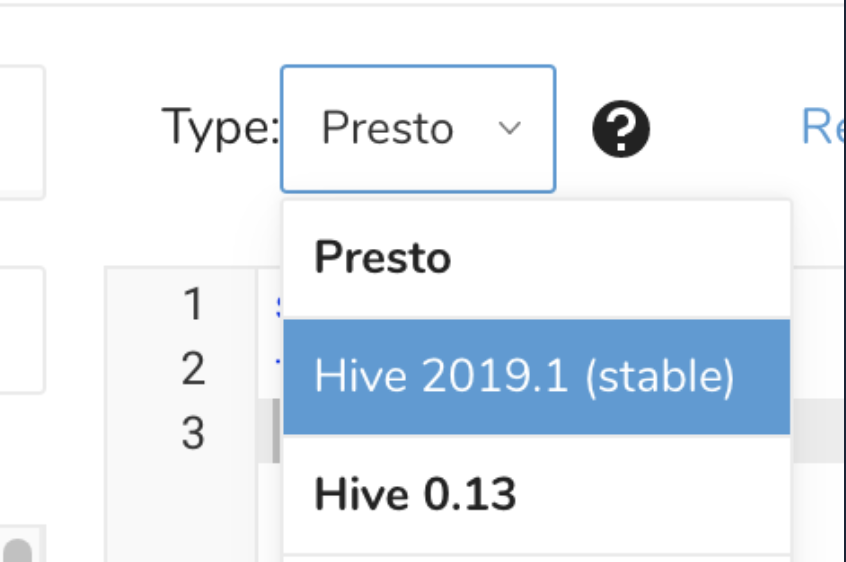
You can configure the query engine for Treasure Data queries. In some cases, choosing one query engine over the other might optimize performance or manage your data accuracy better. The default engine for your account is shown in bold.
Navigate to the TD Console > Data Workbench > Queries.
Select an existing query or create a new query.
In the Type field, specify the query engine and version you want to use for the query.
Optionally edit or type your new query.
Save your choice.