After you create an integration you can edit and delete the existing integration configuration.
- Open TD Console.
- Navigate to AI Agent Foundry.
- Select a Project.
- Select the Integration tab.
- Click the pencil icon of the integration you want to edit.

- Update the user prompts that have already been set.
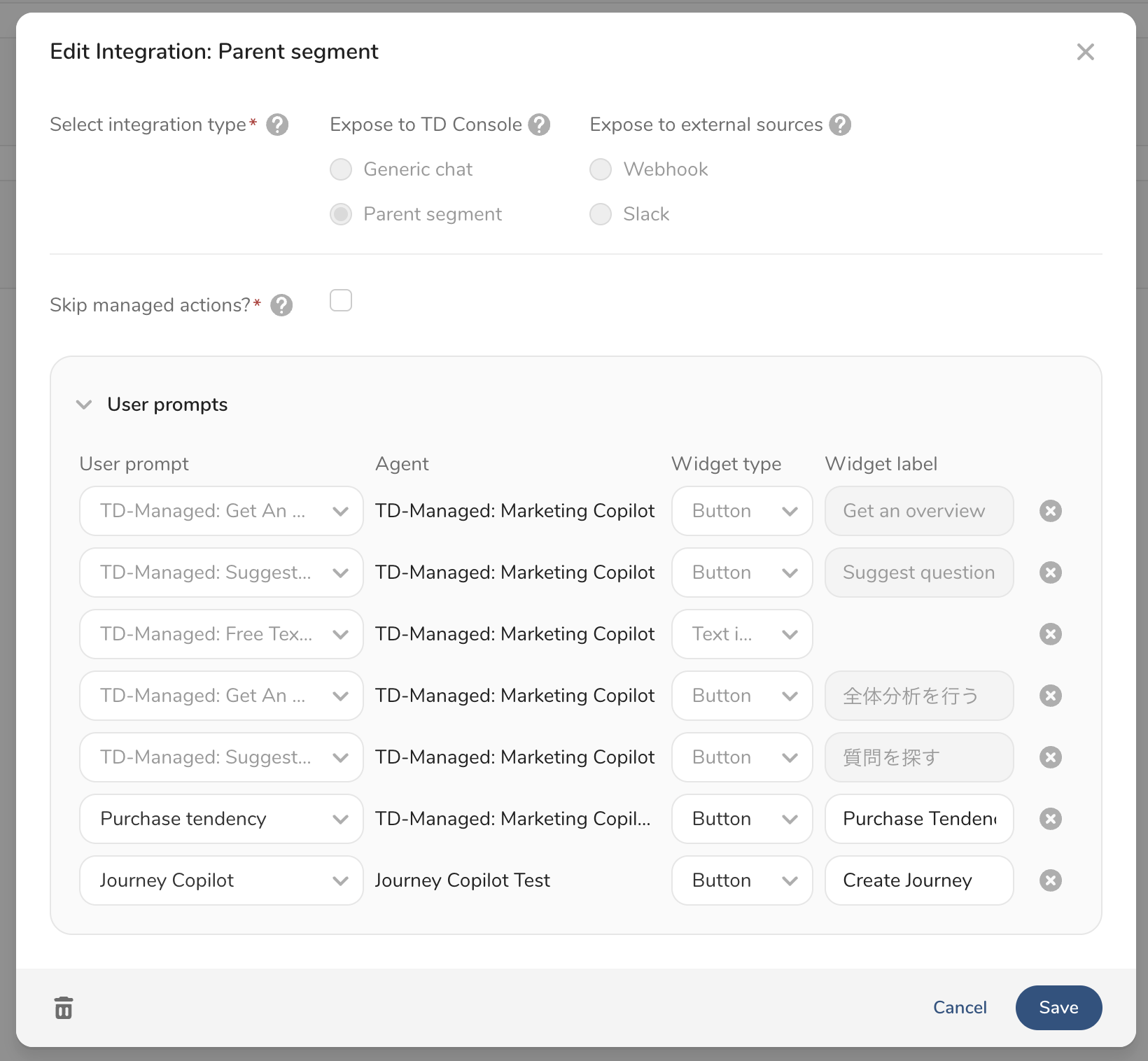
- Click Save.
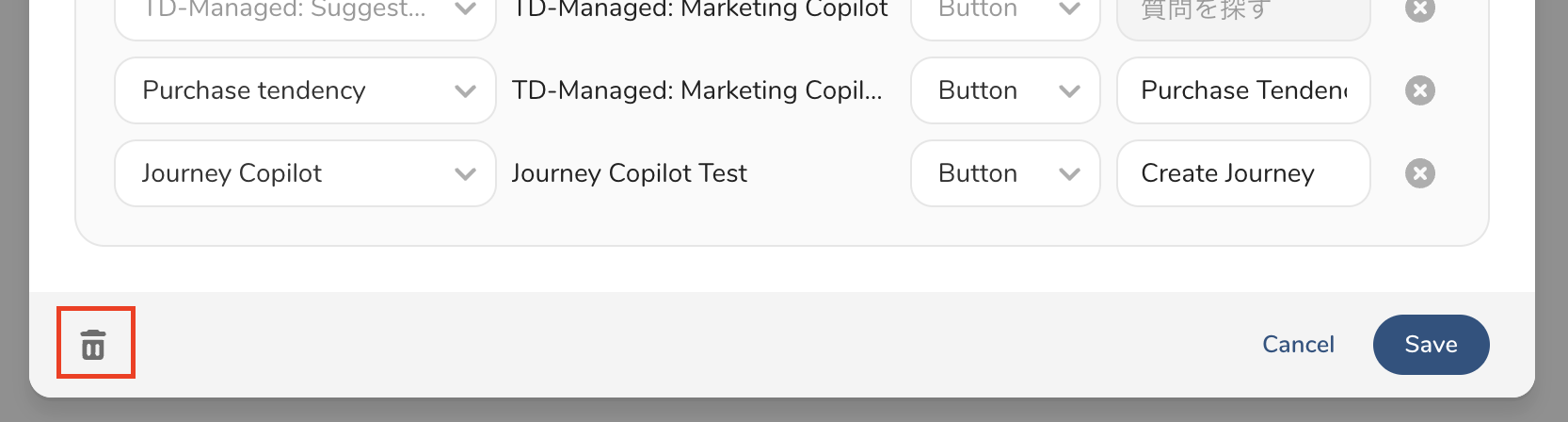
In the editing modal, you can delete an integration.
- Navigate to the integration editing modal.
- Click the trash icon on the bottom left.
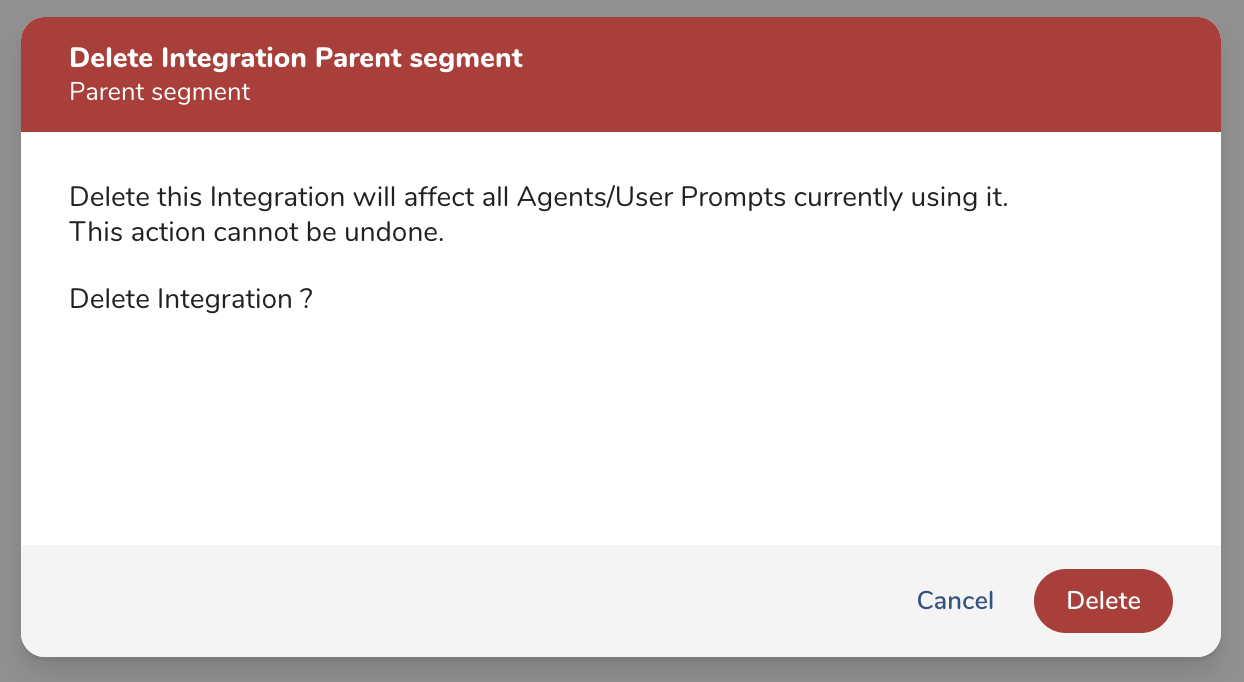
- Click Delete button if it's OK.