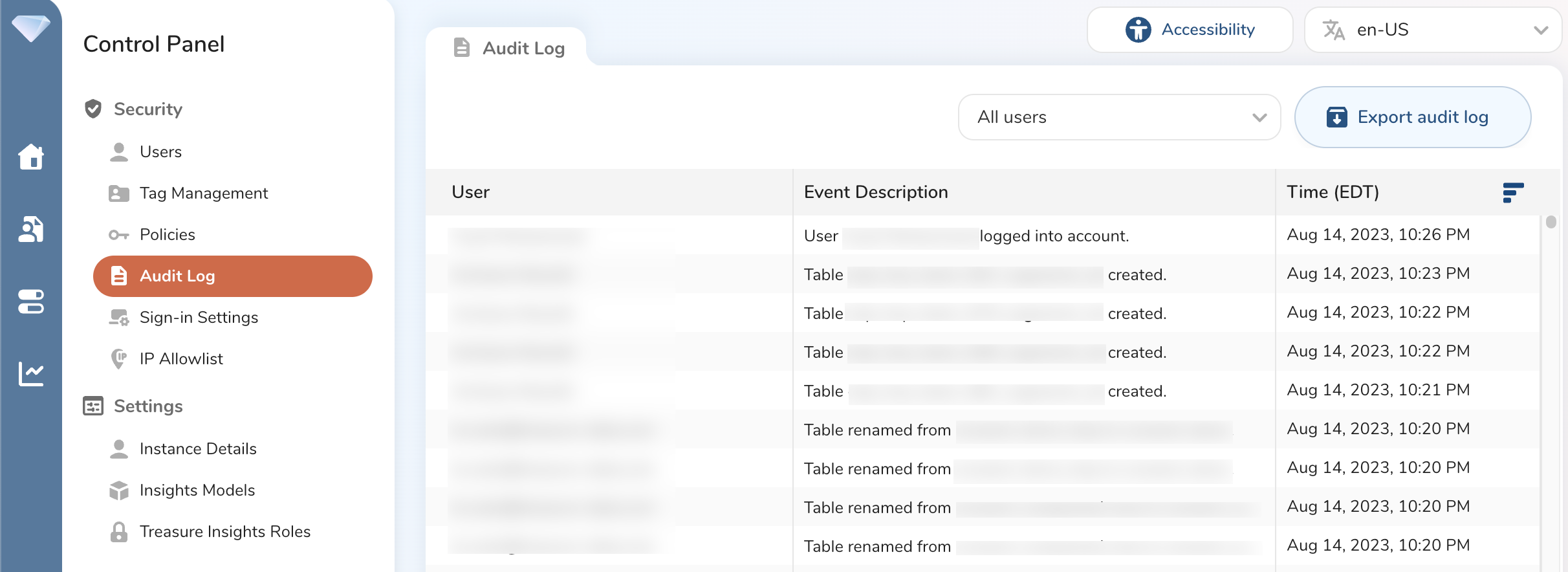
The Treasure Data standard audit log enables you to view events that occur within the last 24 hours. You can also download the log.
When you export or download the standard audit log, you see more data (such as resource type and IP address) than you see on the Activity page.
Open TD Console.
Navigate to Control Panel > Audit Log.