SendGrid is a cloud-based SMTP provider that allows you to send email without having to maintain email servers.
With this integration you can have a real-time activation instruct SendGrid to send emails as part of a marketing campaign.
This feature is in BETA version. For more information, contact your Customer Success Representative.
- Basic Knowledge of Treasure Data.
- Knowledge of the SendGrid platform, including knowledge on how to create dynamic templates and how to send emails.
Treasure Data uses the Mail Send API to direct SendGrid to send email messages. The documentation on the Request Body of this API can be very helpful in setting up your email templates on SendGrid.
The primary use case for this streaming integration is to incorporate it into a real-time activation workflow. Here is an overview of how to configure that workflow:
- In the SendGrid dashboard, create dynamic templates for the emails you want to send.
- In the SendGrid dashboard, configure SendGrid to send emails.
- In the TD Console, create an authentication for this integration to communicate with SendGrid.
- In a Real-time Journey, select this authentication for a new triggered activation.
There are several rate limitations and restrictions that apply when using either the SendGrid Mail Send or Send Test Marketing Mailfeatures**:**
- The total size of your email (including attachments) must be less than 30MB.
- The total number of recipients must not exceed 1000. This includes all recipients defined with the to, cc, and bcc parameters in the personalizations array of each object that you include.
- The total length of custom arguments must be less than 10,000 bytes.
- The from field does not support Unicode encoding.
- The to.name, cc.name, and bcc.name personalizations cannot include either the commas or semicolons.
- For substitution, NULL values are truncated to empty strings: " ". If the substitution is for a numeric column, it is converted to a string.
- With Mail Send operations:
- "Template ID" overrides the substitution defined in the Personalization Body.
- "Skip invalid records" is only applied for invalid personalization bodies.
- WithSend Test Marketing Mail operations**:**
- Only use "Unsubscribe URL" or "Suppression group ID".
- "Skip invalid records" is applied for invalid emails.
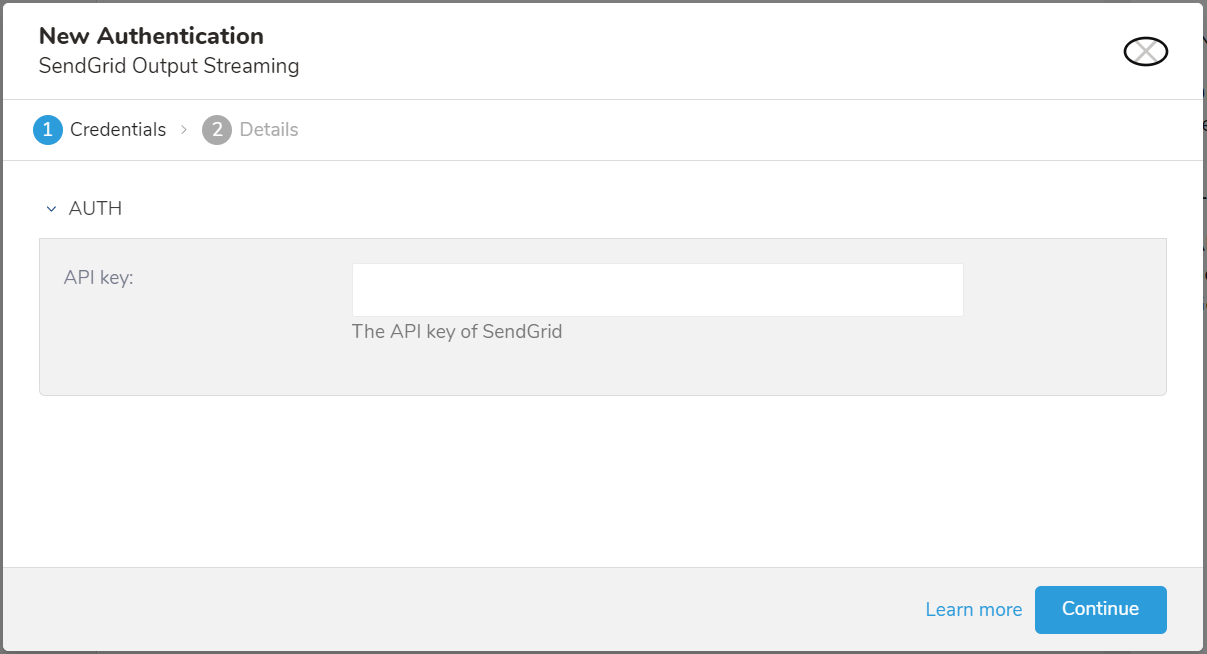
To establish the connection to the SendGrid application you must have a SendGrid API key. Your application, mail client, or website can all use these API keys to authenticate.
Treasure Data recommends that you use API keys to connect to all SendGrid services. This is a preferred alternative to using a username and password because an API key can be revoked at any time without requiring a change to username or password.
The following types of API keys are available for use with Sendgrid:
- Full Access—allows the API key to access GET, PATCH, PUT, DELETE and POST endpoints for all parts of your account (excluding billing and Email Address Validation).
- Restricted Access—customizes levels of access for all parts of your account (excluding billing and Email Address Validation).
- Billing Access—allows the API key to access billing endpoints for the account.
From the SendGrid website:
- Navigate to Settings on the left navigation bar.
- Select API Keys.
- Copy or write down the value of the API key that you want Treasure Data to use when sending requests to SendGrid.
In Treasure Data, you must create and configure the data connection before running your query. As part of the data connection, you provide authentication to access the integration.
Open the TD Console.
Navigate to Integrations Hub > Catalog.
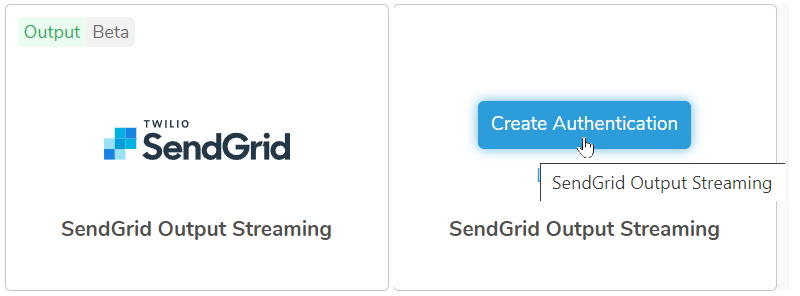
Select the search icon on the far right of the Catalog screen, and type SendGrid Output Streaming.
Hover over the SendGrid Output Streaming connector and select Create Authentication.
Enter the required credentials.
Type a name for your connection.
Select Done.
The SendGrid Output Streaming integration is now available to be incorporated into real-time customer journey activations. See Creating a Real-time Triggered Activation for additional information.